
- Published on
Indream: The AI Video Editor for Faster Video Production

Most AI video tools help you make something. Far fewer help you finish it.
Indream is built for that second part. It gives you one place to go from a prompt, brief, document, or link to a polished video with timeline editing, captions, voice, reusable assets, and export all connected.
That matters because most video workflows still fall apart after the first AI step. A team generates visuals in one product, organizes assets in another, edits somewhere else, handles captions in yet another tool, and then adds automation later with custom glue. It slows down production and makes every revision harder.
Indream is designed to keep that process connected.
What Indream helps you do
With Indream, you can:
- start from an idea, source document, or link
- generate images and clips when you need fresh material
- move selected assets into a real multi-track edit
- add captions, voice, text, music, and branded elements
- export a finished video without rebuilding the workflow elsewhere
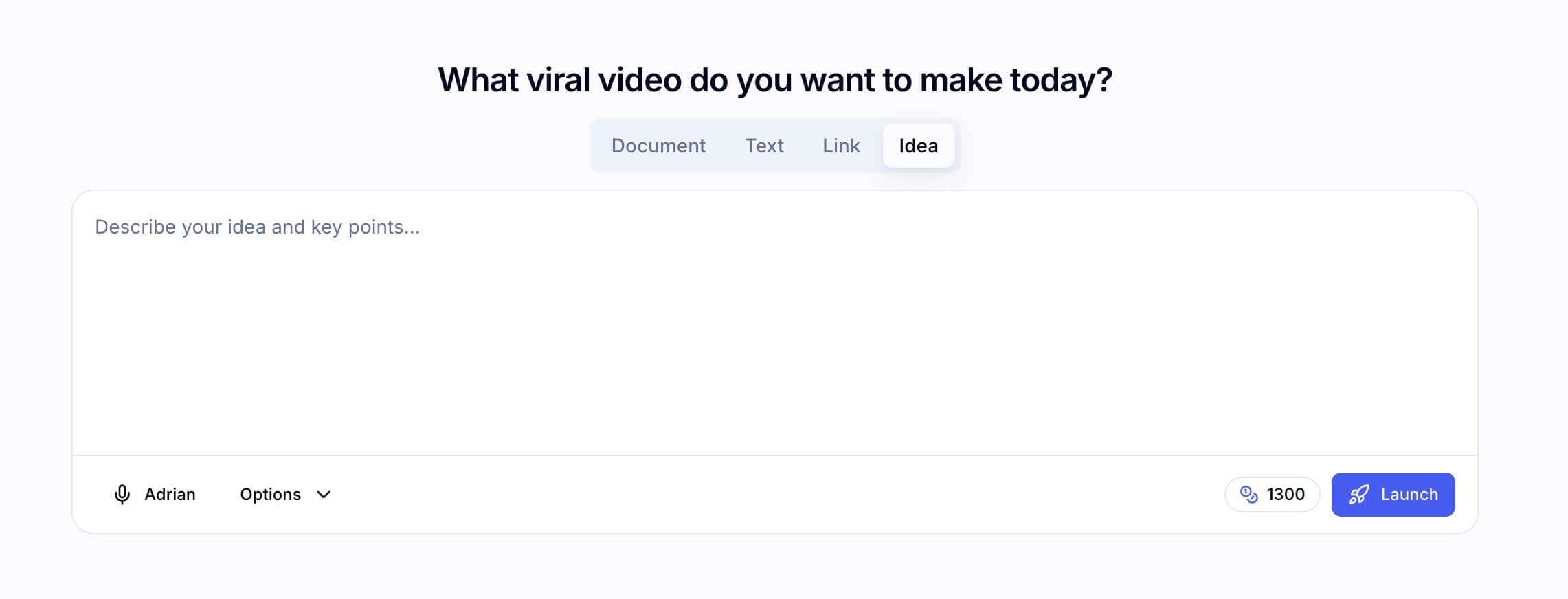
The value is not only faster generation. It is a smoother path from first idea to final video.
How a project moves through Indream
The simplest way to understand Indream is to look at the workflow.
1. Start with source material or a rough idea
You can start with a concept, a prompt, a document, or a link. If your workflow begins with existing source material, the create flow can turn that input into an editable draft in a few steps.
2. Generate or collect usable material
Sometimes you already have footage. Sometimes you need AI-generated images or clips to fill the gaps. Indream covers both. The generator can stand on its own, but it becomes more useful when strong outputs move straight into the rest of your project.
3. Refine everything in the editor
This is where the product earns its keep.
In the editor, you can:
- arrange scenes on a real multi-track timeline
- align visuals, voice, music, and captions
- add text, transitions, effects, and branded elements
- fine-tune pacing and narrative clarity
- export from the same place where the final decisions were made
4. Reuse, automate, and ship again
Projects, assets, voices, and task history stay in the same system, which makes iteration much easier. If your team later needs automation, the API extends that workflow instead of sending you into a separate stack.
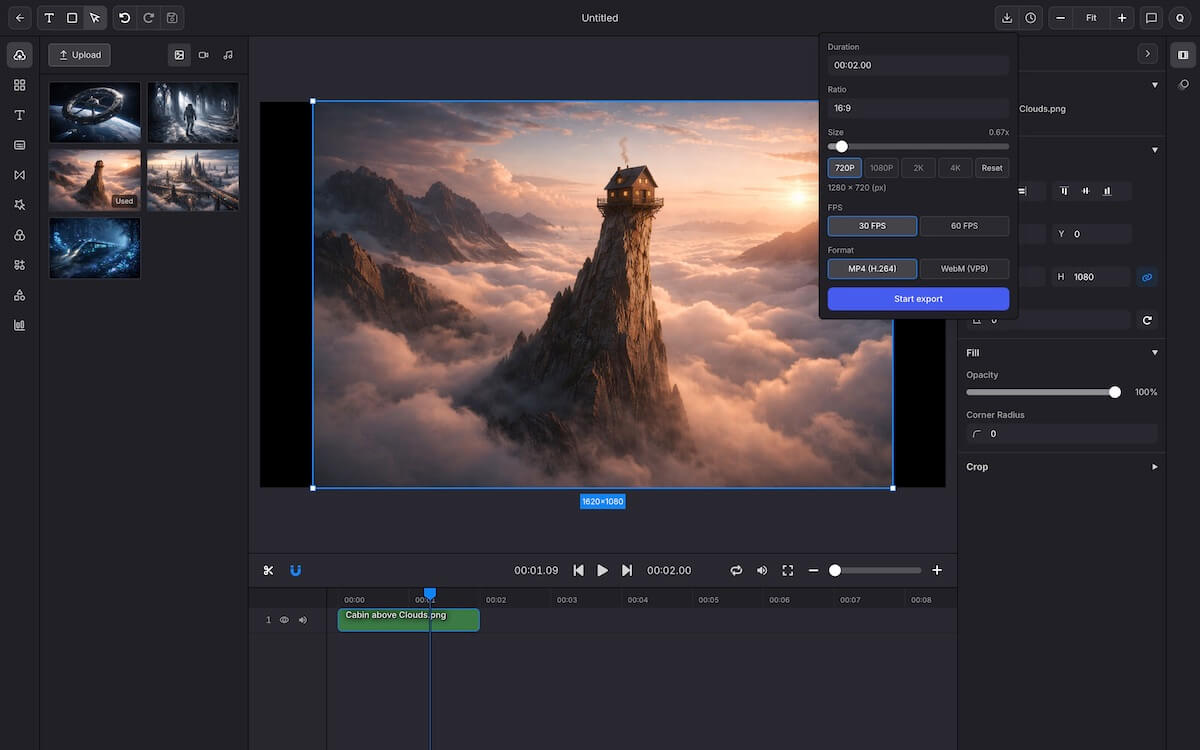
The strongest workflow is the one that does not fall apart between draft, edit, and delivery.
Why teams choose Indream over a patchwork stack
Most teams do not struggle with creating a first draft. They struggle with all the handoff around it.
That usually looks like:
- assets scattered across multiple tools
- captions and voice handled separately from the edit
- long-running jobs that are hard to track
- repeated uploads, exports, and copy-paste steps
- automation added later as a workaround instead of part of the workflow
Indream reduces that friction by keeping the main production steps in one place. You can explore with AI, prepare material, edit on the timeline, and ship from the same system.
Where the rest of the product fits
The surrounding modules matter because they make the main workflow faster and easier to manage.
AI generator
If you only need standalone images or clips, the generator works on its own. If you are building a full video, it helps you create usable material without leaving the production workflow.
Infinite canvas
The canvas is useful when you want to compare, sort, arrange, or clean up assets before they go into the final cut.
Voice, captions, and brand assets
These are the details that make videos feel publishable. Keeping them close to the edit saves time and helps teams stay consistent across multiple projects.
API and task orchestration
When a workflow becomes repeatable, the API and task system help you scale it. That is especially useful for teams that want to render, monitor, and trigger video jobs from their own product or backend.
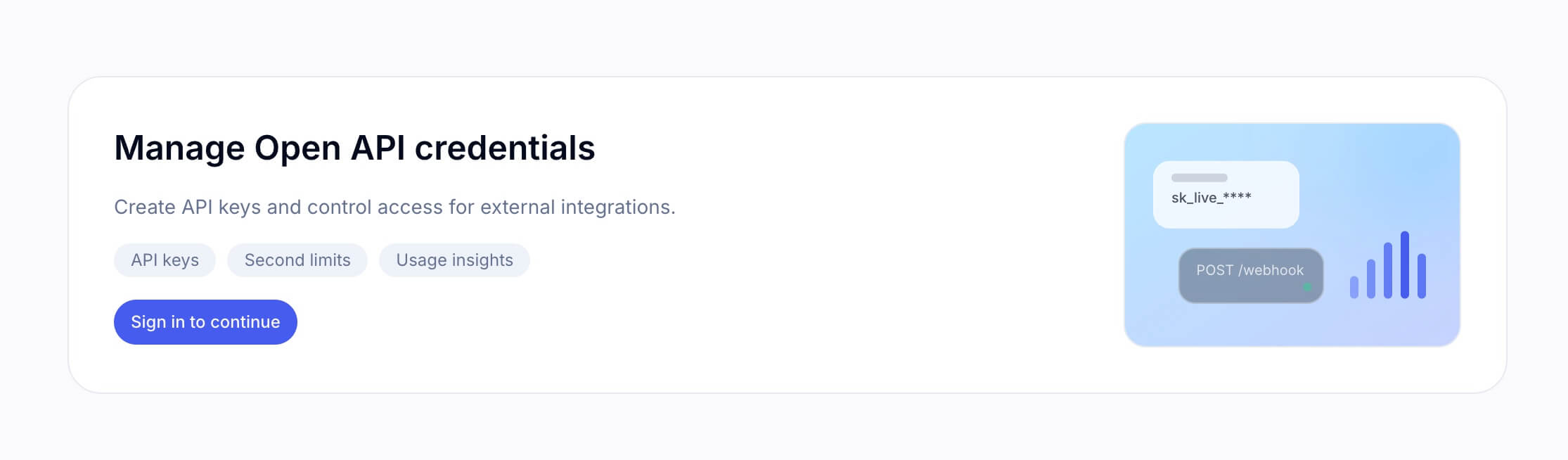
Automation works best when it grows out of a workflow people already use successfully.
If that part is relevant to your team, the quickest starting point is the API keys page.
Who should look at Indream?
Indream is a strong fit for solo creators, marketing teams, and product teams that need more than one-off AI output. It is especially useful when speed matters, but so do revisions, consistency, and the ability to get a video all the way to the finish line.
How to get started
The best way to understand Indream is to use it on one real project.
Start in the workspace, move through the edit, and see where the connected workflow saves you time. Once that is clear, the pricing page is the right place to decide what level of usage makes sense for your team.
Indream is most useful when you need more than a quick AI output. It is for the moment when a rough idea needs to become a finished video.
- Authors

- Name
- Official
- Website
- Indream