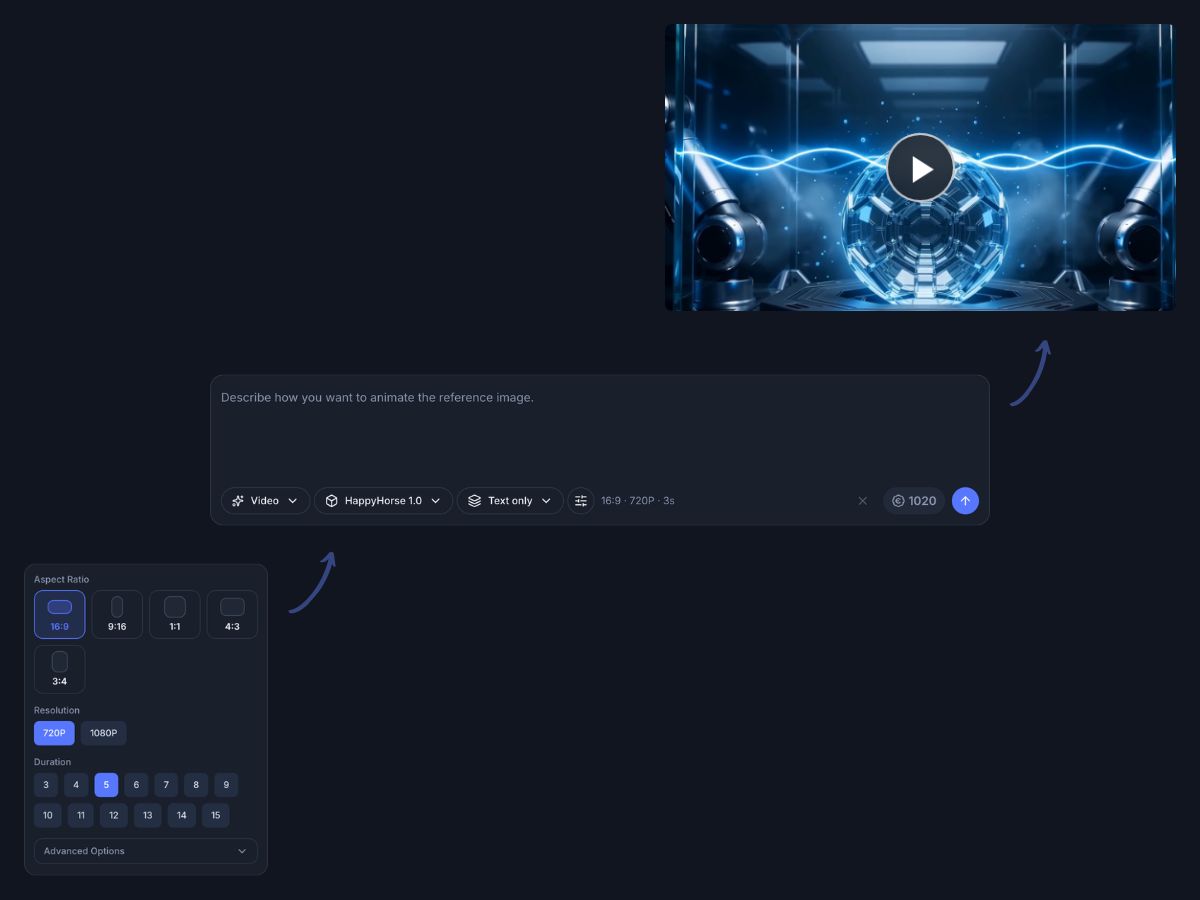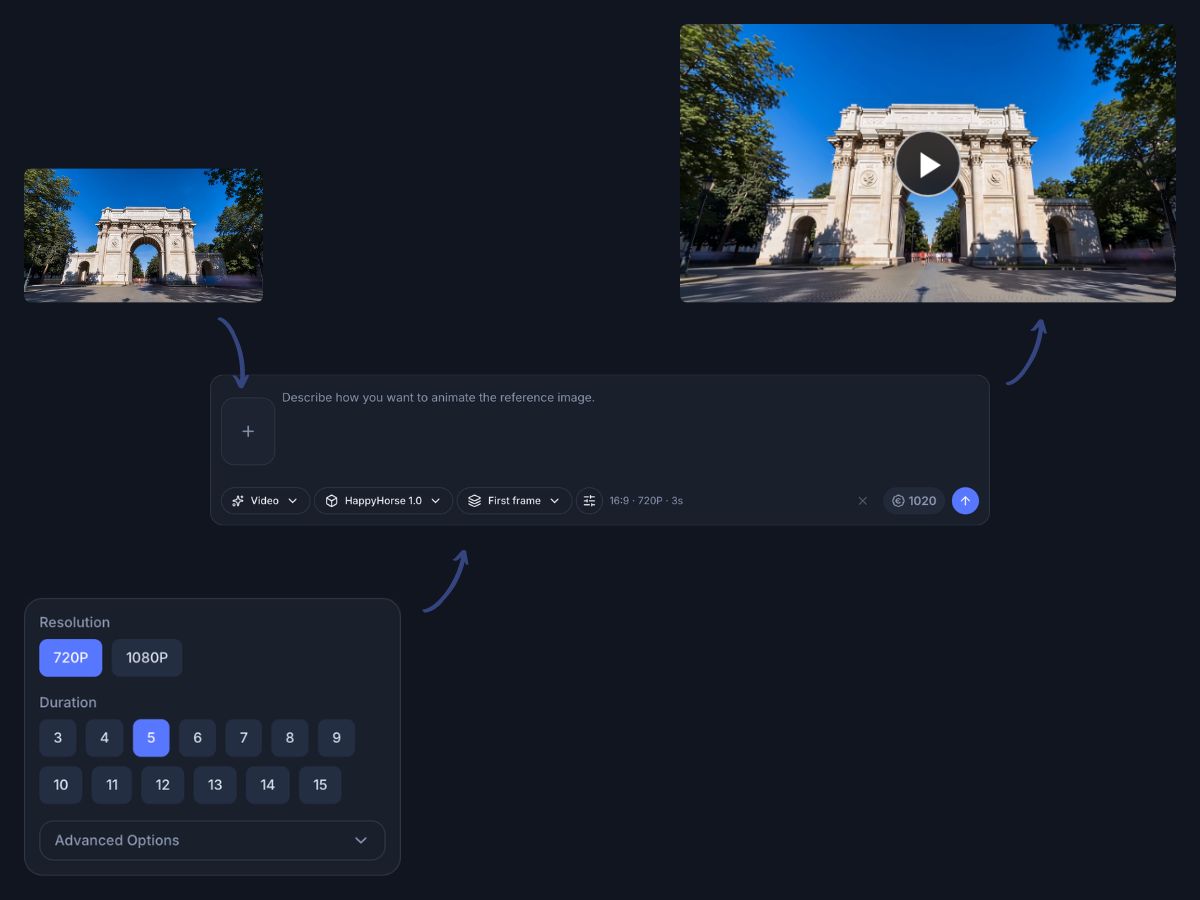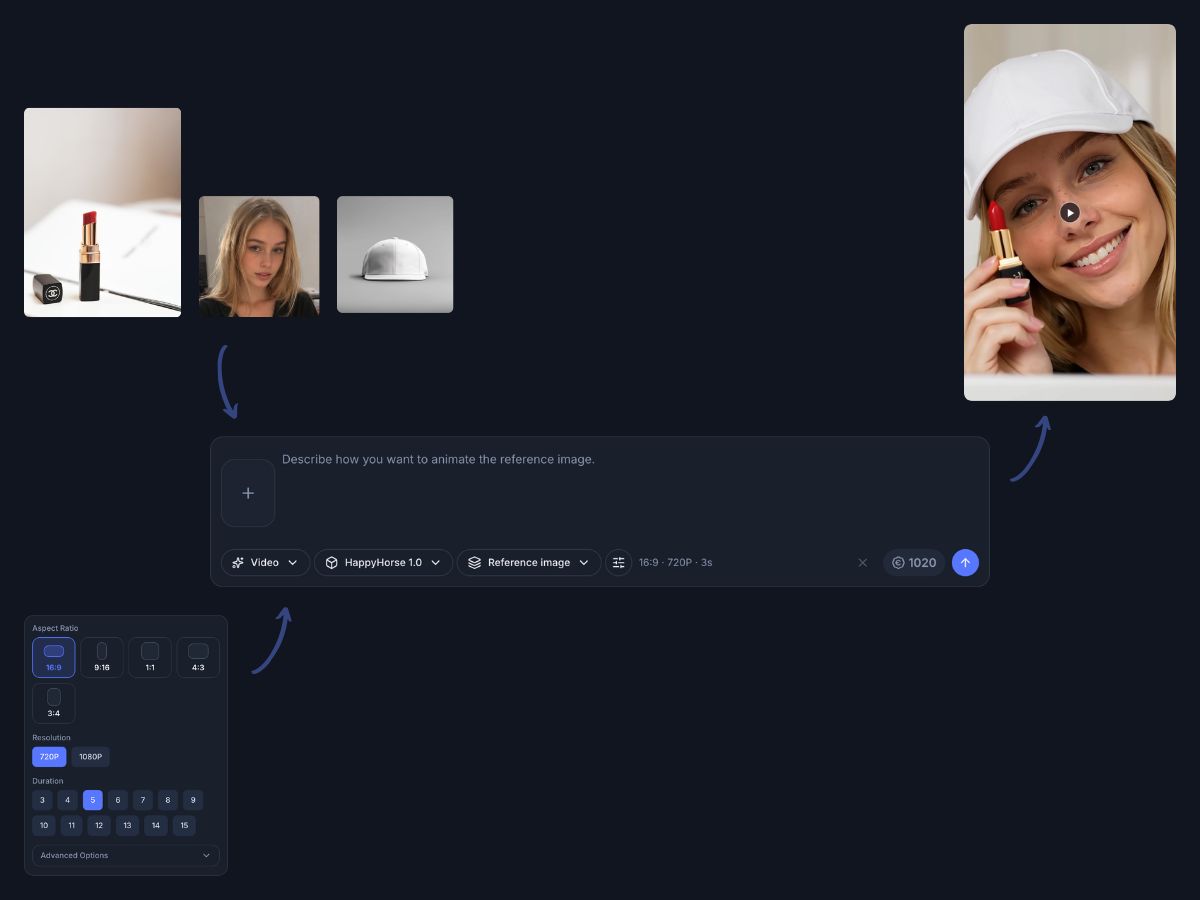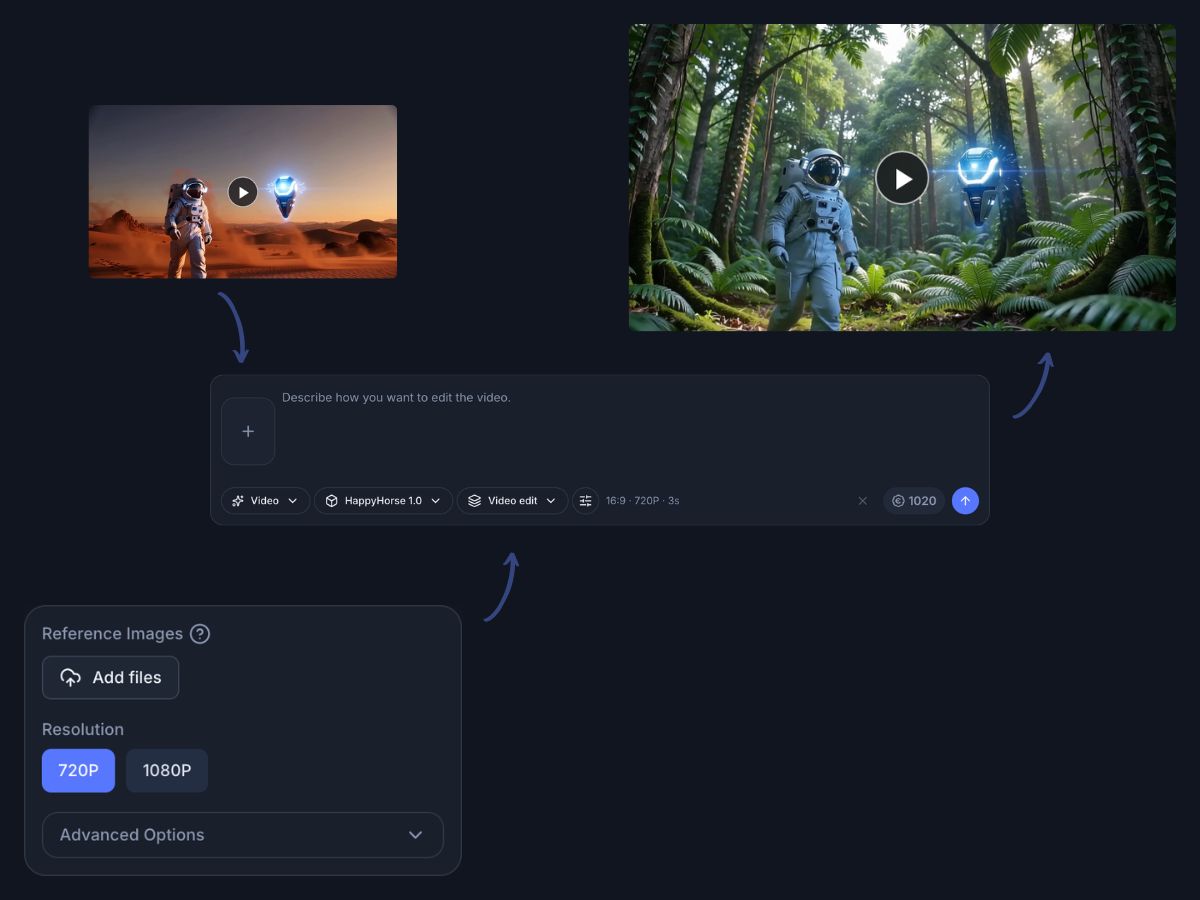
HappyHorse AI

HappyHorse AI from prompt to publish in one editor

Track HappyHorse AI with a workflow that is already practical today. In Indream, teams can use proven video models now, then refine captions, TTS, charts, brand scenes, and exports in the same editor that will support the model later.

HappyHorse AI is coming soon. Use Kling, Runway, Veo, Seedance, Luma, or Wan today, then finish with captions, TTS, charts, brand tools, and API ready export.

Preview

See how one workflow moves from generation to delivery

See how a generated clip can move into editing, captions, brand polish, and export without breaking the workflow.

Coming soon modelVideo editorCaptionsTTSChartsAPI ready
1080p
Native model target
15B
Parameter scale
Web
Browser workflow
Pain points

Why teams search for HappyHorse AI but still need a full workflow

Interest in the model is strong because better generation matters. The production problem starts after the first clip appears, when quality, narration, branding, and scale still need real control.

Generation is not the final deliverable

The first AI clip usually still needs pacing, scene order, transitions, and finishing work before anyone is ready to publish it.

Audio and subtitles still take time

Even strong model output often needs subtitle cleanup, subtitle animation, voice work, or multilingual delivery before the result feels complete.

Brand consistency breaks across tools

Logos, openers, closers, and reusable graphic systems drift when the team keeps moving between a generator, a caption tool, and a separate editor.

Many models still leave quality gaps

A promising model can speed up ideation, but publish ready work still depends on effects, filters, charts, and graphic polish around the raw clip.

Batch production is hard to maintain

One manual generation flow may be enough for a test, but teams need structured templates and repeated output once campaigns or content series begin.

Some stories need more than cinematic video

Marketing, training, and analytics teams often need charts, callouts, and supporting assets that a model alone does not package well.

What it is

What HappyHorse AI is and why the editor still matters

HappyHorse AI is attracting attention as an open video model with native audio and video generation, fast inference, multilingual lip sync, and a future self host path. Indream matters because a strong model still needs a strong editor around it.

Best for

Creators who want faster social videos, Shorts, Reels, and product explainers from one workflow

Marketing and brand teams that need ad variations, product stories, and consistent visual packaging

Developers and technical teams preparing for future API, template, self host, or fine tune workflows

Teams producing data heavy or educational content that needs charts, captions, and narration after generation

Model snapshot

What makes HappyHorse AI worth watching

These details explain why the model is getting attention before public release.

15B
Parameter scale

HappyHorse 1.0 is presented at a 15B parameter scale for high quality video generation.

1080p
Native resolution

The model targets native 1080p output instead of a lower resolution baseline.

7 languages
Lip sync support

Language support is described across English, Mandarin, Cantonese, Japanese, Korean, German, and French.

Self host path
Open model appeal

Technical teams are watching for a future release path that supports self hosting and fine tuning.

Status update

HappyHorse AI is still coming soon

The workflow on this page is practical now, but the model itself should still be treated as pending public release.

The weights and inference code are not formally available for public download yet.

This page should not be read as a promise that the model can already be selected in the current generator.

The current production path is to use integrated alternatives now, then keep the editor and API workflow ready for the model later.

Editor workflow

Generate is only the start for HappyHorse AI workflows

A video model gives you source material. The finished result still depends on editing, narration, branding, data scenes, and export control that stay close to the generated clip.

Transitions, effects, filters

Turn raw AI clips into a finished story

One generated shot rarely carries the whole message. Use the editor to arrange multiple clips, smooth the cut points, and add visual polish that makes the sequence feel intentional.

Combine generated scenes with fade, slide, wipe, and flip transitions

Use effects such as blur and flash black to shape pacing and emphasis

Apply filters that push mood and style without leaving the editor

Sequence several AI clips into one story instead of exporting isolated assets

TransitionsEffectsFiltersTimeline polish
Placeholder editor view with transitions, effects, and timeline polish

Captions and voice

Add subtitles, timing, and TTS in the same workflow

A stronger model may improve native audio expectations, but final delivery still depends on readable captions, flexible subtitle timing, and reliable narration tools for every channel.

Generate TikTok style captions from audio or video inside the editor

Upload .srt or .vtt subtitles when a transcript already exists

Animate caption entry and exit to match scene pacing

Turn text into speech without moving to another production tool

Auto captionsSubtitle uploadCaption animationTTS
Placeholder editor view with caption styling and TTS controls

Brand and assets

Keep every generated video aligned with the brand

Teams do not just need a good clip. They need consistent logo treatment, reusable graphics, supporting media, and visual systems that can hold together across many outputs.

Reuse brand presets for logo, opener, and closer scenes

Pull in stock assets, hand drawn vectors, shapes, and stickers for support graphics

Keep 1600 plus vector assets close by when the video needs faster explanation visuals

Package one creative system across social, product, and training outputs

Brand presetsStock media1600 plus vectorsShapes and stickers
Placeholder editor view with brand presets, vector assets, and charts

Charts, timeline, developer mode

Move from one off edits to repeatable production

The model will matter even more when teams can connect strong generation to a multi track timeline, keyframes, custom sizes, structured JSON, and batch rendering workflows.

Build chart scenes for reports, explainers, and data driven content

Control layers with a multi track timeline and keyframes for position, scale, and opacity

Export custom sizes, 720P, 1080P, 2K, 4K, MP4, or WebM as the delivery requires

Hand approved templates into editor JSON and API workflows for larger scale output

ChartsKeyframesCustom sizesJSON and API
Placeholder developer mode view with custom sizes and JSON handoff
Alternatives

Use proven alternatives while HappyHorse AI is coming soon

The fastest practical path is to start with current models that already work inside the video workflow, then stay ready for the model when the release is public.

Kling 3.0

Best for fast social production, longer generation windows, and cost sensitive teams that need a mainstream option right now.

High valueLong video supportSocial content

Runway Gen-4.5

Best for premium creative quality, stronger visual control, and teams that care most about polished output.

Premium qualityCreative controlBrand campaigns

Google Veo 3.1

Best for realistic motion, native audio and video interest, and high end creative work that values realism.

RealismAudio and videoHigh end output

Seedance 2.0

Best for ecommerce and product marketing where reference imagery, product consistency, and campaign speed matter most.

EcommerceReference drivenProduct focus

Luma Dream Machine 3

Best for atmosphere, landscapes, architectural motion, and visual mood work that needs smooth natural movement.

LandscapeAtmosphereNatural motion

Wan 2.6

Best for technical teams that value open workflows, private deployment options, and experimentation with lower cost infrastructure.

Open workflowSelf hostTechnical teams
How it works

How to plan a HappyHorse AI workflow today

You do not need to wait to design the full production system. Build the workflow now, then switch models as availability changes.

01

Choose the model and prompt path

Start with an alternative that is available today, knowing that the model can be slotted in later when public access arrives.

02

Refine the result in the editor

Add captions, TTS, transitions, effects, chart scenes, and brand packaging without exporting into separate tools.

03

Export now or scale later

Render for immediate publishing, or preserve the structure as editor JSON for repeatable API based production.

Who it is for

Who should care about this editor workflow

The strongest fit is any team that wants better video generation without giving up the controls needed for final delivery.

Social video creators

Turn ideas into publish ready Shorts, Reels, and TikTok style videos with captions and fast polish.

Ecommerce marketing teams

Create product videos, ad variants, and campaign assets with brand packaging and reference friendly workflows.

Data and insight teams

Mix generated clips with chart scenes, text overlays, and clear narration when the story depends on numbers.

Training and operations teams

Build internal explainers and education videos with structured subtitles, voice, and reusable templates.

FAQ

FAQ for HappyHorse AI

These are the main questions teams ask when they evaluate the model and compare it with a production ready editor workflow.

Start now, then stay ready for HappyHorse AI

Use Indream to build the full workflow today with proven models, professional editing, and API ready handoff, then stay ready to evaluate the model when the release is public.

Related pages

Explore more video workflows around the model

AI Video Generator

Explore the current multi model generator workflow for text, image guided, and video production paths.

AI Video Editor

See the full editor workflow for captions, effects, chart scenes, brand presets, and final export.

JSON to Video

See how approved templates can move into structured JSON and API driven rendering workflows.