Model fragmentation slows every project
Different music models are better for different jobs, but separate products force teams to keep switching context before they even compare the first useful result.
Use Indream as your AI Music Generator for Lyria 2, MiniMax Music 1.5, Stable Audio 2.5, and ElevenLabs Music, then keep the project moving into review, download, and editor workflows later.
4 music models. Text prompts. Preview and download. Editor path later.


The challenge is rarely one prompt. The challenge is choosing the right model, shaping the output, and continuing the project without losing time across disconnected tools.
Different music models are better for different jobs, but separate products force teams to keep switching context before they even compare the first useful result.
Generation, preview, editing, captions, and export planning often happen in separate tools, which turns a fast test into a longer production loop.
Prompt quality, lyrics structure, instrumental settings, and duration controls vary by model, so teams waste time learning each product before they can move quickly.
A useful music result still needs the right length for the surrounding video, campaign cut, or scene timing before it is ready for delivery.
Once the audio works, the project often still needs captions, narration, timeline control, and export packaging in a broader video workflow.
Teams that find a winning format still need a way to move from exploration into reusable editor and API based production later.
This AI Music Generator brings model choice, prompt based music creation, review, download, and the next editor step into one closed loop so Indream can take a music idea into a broader production workflow.
Best for
Creators who need an AI Music Generator for shorts, explainers, trailers, and social edits
Marketing teams that want music generation without juggling several disconnected tools
Video teams that need audio generation first and timeline work later in the same product family
Developers who want music generation today and a clean path into editor JSON and API workflows later
The current workflow covers the first prompt, the model specific controls, and the next move once the result is ready to be reviewed or reused.
Start from text prompts across the current music catalog when the genre, mood, instruments, or structure still need exploration.
Use lyrics input on supported models when a song structure needs stronger direction beyond the main prompt alone.
Use supported controls such as negative prompt, duration, instrumental mode, bitrate, sample rate, output format, seed, steps, and CFG scale based on the selected model.
Lyria 2, MiniMax Music 1.5, Stable Audio 2.5, and ElevenLabs Music stay reachable from the same AI Music Generator workflow.
The generator UI shows a credit estimate for the selected model and settings so budget checks happen before you launch the run.
Review the generated audio in the product, download the result, and keep the output available for the next content step when the project expands.
Music generation creates the audio asset. Delivery still depends on how that audio fits the final content workflow. This product keeps the next step close instead of splitting it into another disconnected tool.
Choose the music model that fits the job instead of forcing every request into one provider
Preview and download the result before the project moves into voice, captions, or timeline work
Keep a clear path into the editor when the content needs packaging beyond standalone audio
The strongest workflow is not only about generating music. It is also about what happens once the first usable result appears.
Model access
Use one generator surface to move across the current music models instead of learning a different workflow each time a new job needs different controls.
Browse 4 current music models from one AI Music Generator
Start with text prompts across the full music catalog
Switch models based on available controls and output needs
Review results without leaving the same generator surface

Music controls
The current catalog exposes different controls by model, which helps teams match the workflow to the task instead of settling for one generic parameter set.
Use lyrics input on supported models for stronger song direction
Set duration where the selected model supports timing control
Adjust output format, bitrate, sample rate, or instrumental mode on supported models
Use negative prompt, seed, steps, or CFG scale where those options exist

Editor workflow
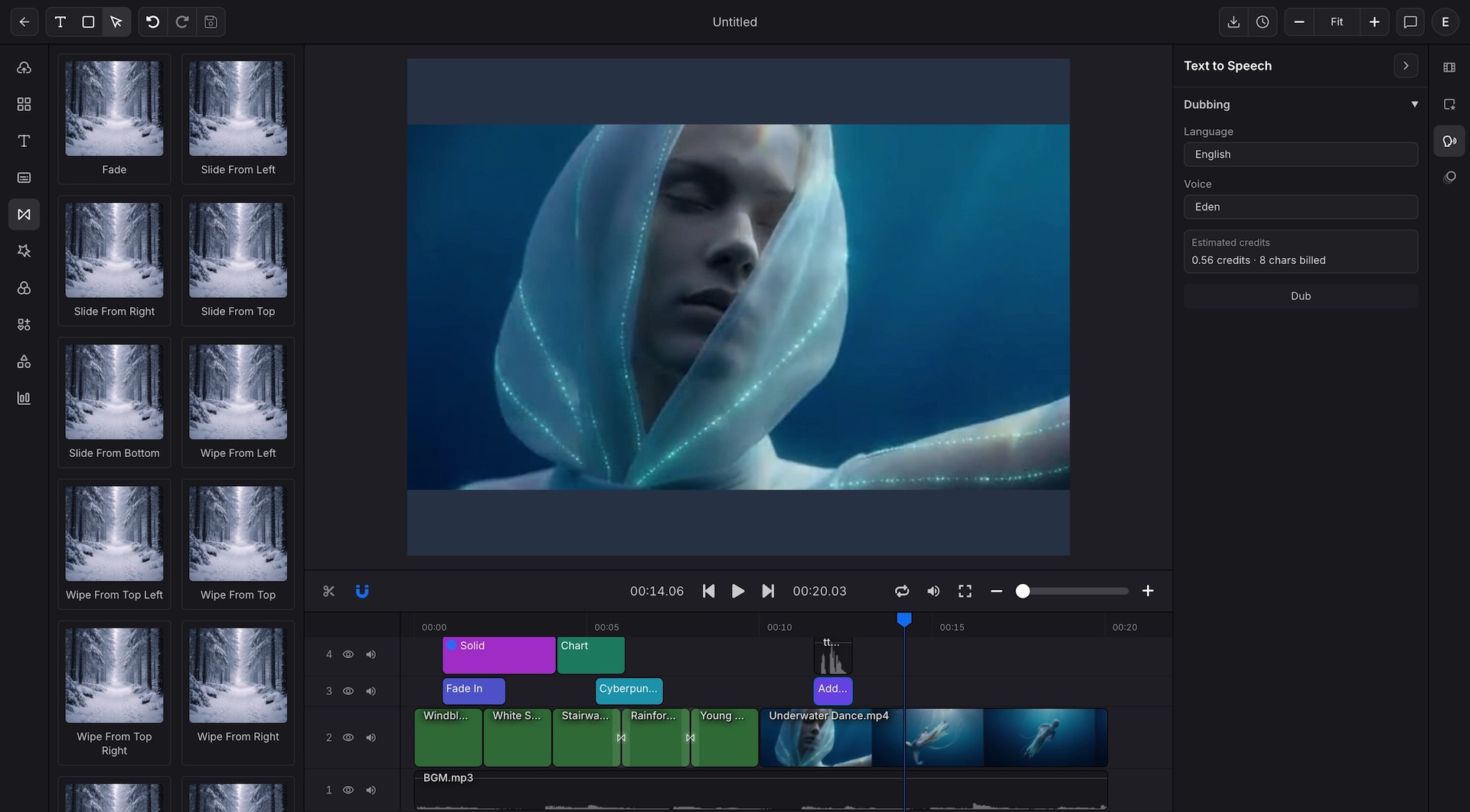
A music result can stay useful beyond standalone audio. When the content needs narration, captions, timeline control, or final packaging, the broader editor workflow is already nearby.
Reuse outputs in one place after generation
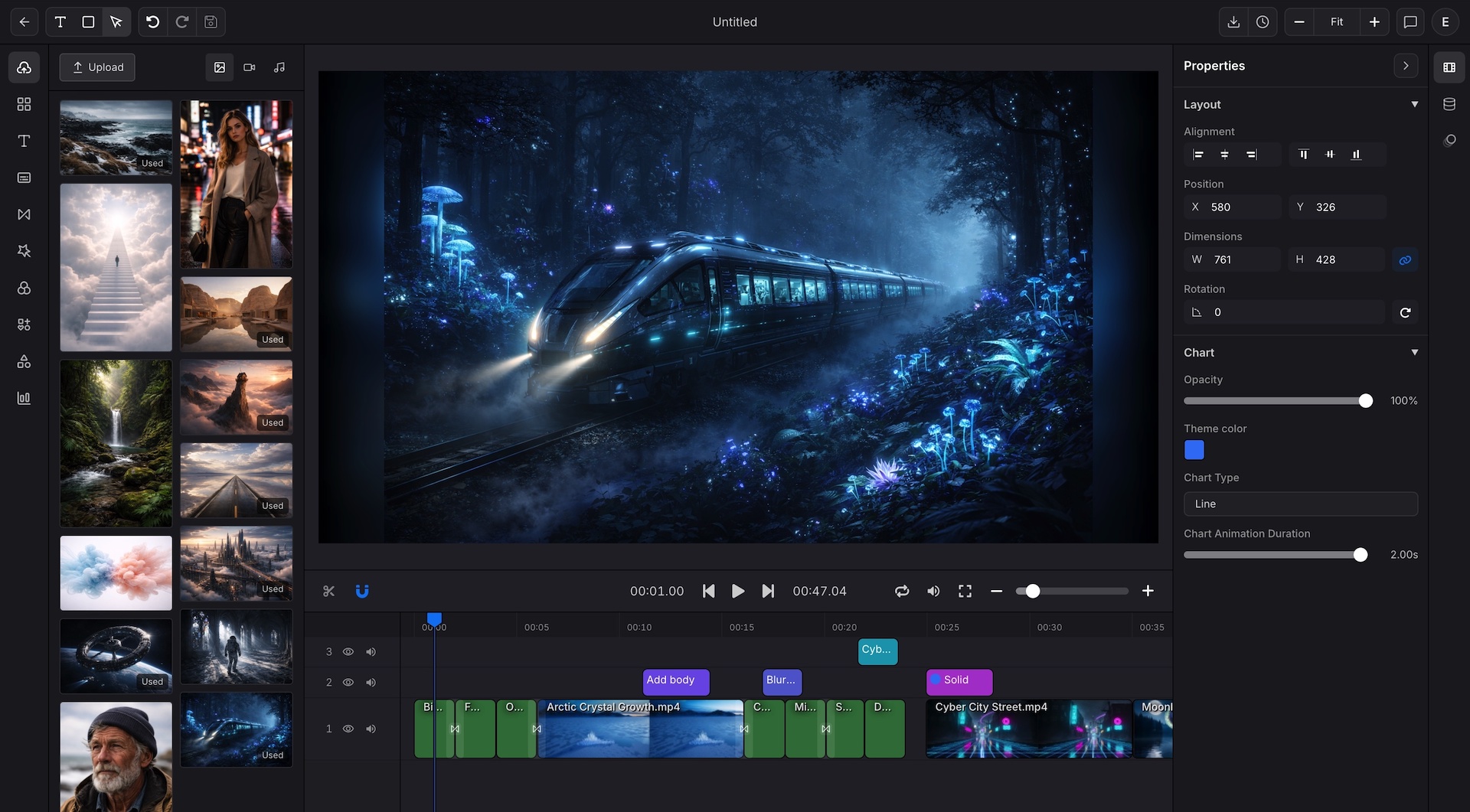
Import the result into the video editor later when the project needs more structure
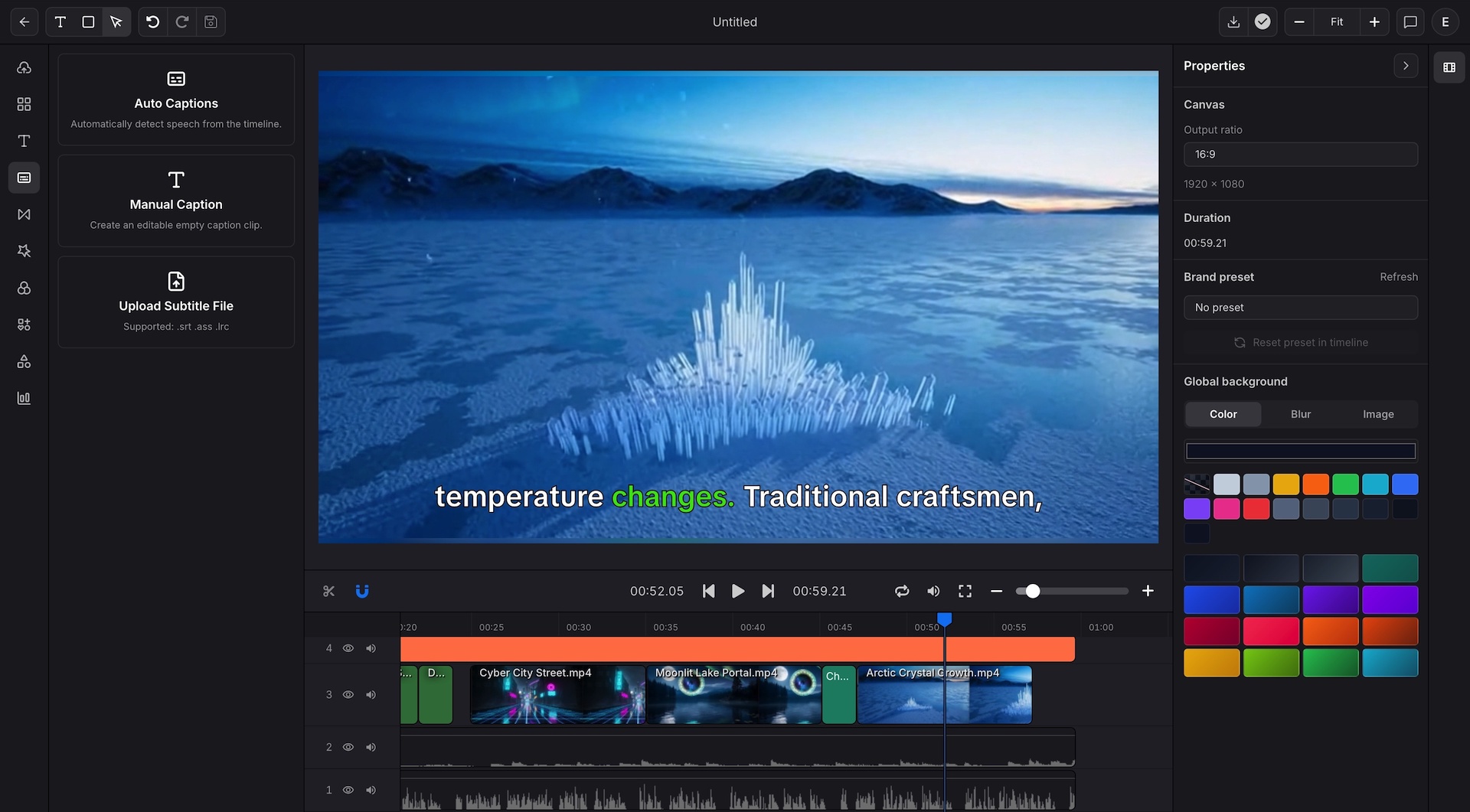
Add captions, TTS narration, or timeline edits in the next workflow step
Keep audio, visuals, and export planning closer together

Brand and API handoff
Once generated music becomes part of a broader editor project, teams can keep moving from review into brand control, export planning, and stable developer handoff without rebuilding the structure elsewhere.
Use the visual workflow while creative review is still changing
Keep the approved project close to brand and export controls
Move stable editor projects into editor JSON when the format is ready
Hand repeatable workflows into API driven rendering for larger output volume

The workflow starts with model and prompt choice, then stays close to review, download, and the next editor step.
Start with the music model that fits the job, then describe the genre, mood, instruments, and structure you want to create.
Use supported settings such as lyrics, duration, or output options, then preview the result and compare whether it fits the project need.
Download the audio when it is ready on its own, or keep moving into the editor when the content also needs voice, captions, timing, or export packaging.
The same workflow supports quick music exploration, broader video production, and repeatable delivery once a format works.
Generate music for shorts, explainers, product clips, and social edits without leaving the broader content workflow.
Create music options for campaigns, ads, and brand videos while keeping the next editor step close by.
Start with music generation, then keep moving into captions, narration, timing, and export planning when the edit needs more structure.
Keep music generation and final content packaging closer together when publishing across several channels.
Explore multiple music directions quickly, then move approved workflows toward reusable project structures.
Start visually, then move stable editor projects into editor JSON and API driven rendering once output volume grows.
Different music jobs need different control surfaces. This workflow keeps the current catalog within reach without changing products.
Use Lyria 2 for text prompt music generation with support for controls such as negative prompt and seed in the current workflow.
Use MiniMax Music 1.5 when the music needs lyrics input plus supported bitrate, sample rate, and audio format controls.
Use Stable Audio 2.5 when the job needs duration control plus supported steps, CFG scale, and seed options.
Use ElevenLabs Music when the workflow needs supported output format options, length controls, or instrumental mode.
These points come directly from the current generator surface and the editor capability documents.
The current music generator catalog includes 4 music model entries.
The current music request flow uses text prompts across the available music models.
Lyrics, duration, instrumental mode, and output settings are available on supported models rather than as a universal control set.
Generated audio can be previewed, downloaded, and kept close to the next editor step when the project grows.
Use Indream to generate music, review and download the result, and keep a clear path into the editor, export, editor JSON, and API workflows when the broader project is ready to scale.
See the editing workflow for captions, timeline control, voice and audio, brand settings, and export polish.
See how generated visuals and the built in editor fit alongside music workflows inside the same product family.
See how approved editor project structures can move into editor JSON and API driven rendering flows.