
Fake SVG wrappers create blurry results
Some products export raster images in SVG containers, so quality drops when you scale and path editing is not practical.
Create editable SVG paths with Recraft V4, Recraft V4 Pro, Recraft V3, and Recraft 20B, then use the SVG as a scalable asset for design, web, or motion.
Generate editable vector paths, convert images to SVG, and animate approved graphics when they need motion.
Many tools promise vector generation, but the output is often not production ready. AI SVG Generator users still lose time fixing vectors, switching tools, and rebuilding files.
Some products export raster images in SVG containers, so quality drops when you scale and path editing is not practical.
When an AI SVG Generator creates noisy paths, teams spend hours reducing nodes, fixing curves, and cleaning grouping before use.
SVG output often starts in one product, then cleanup, animation, and publishing happen elsewhere, which slows review cycles.
Different SVG tasks need different strengths, but many AI SVG Generator products do not offer model choice in one surface.
Teams need both text to SVG and image to SVG, but disconnected tools create duplicate setup and inconsistent output quality.
After SVG output is ready, teams still need animation, captions, audio, and export formats for social posts, product explainers, or brand videos.
This AI SVG Generator combines native SVG generation, model choice, image to SVG, and a path into motion when the asset needs to become a finished content piece.
Best for
Developers who need SVG output with editable paths for UI and web projects
Designers who need text to SVG and image to SVG in one place with model choice
Marketing teams that need SVG assets plus animation and video export without extra tools
Product teams that need repeatable SVG assets and a future repeatable format path
The value is not only better SVG output. It is the practical path from model choice to vector review, animation, and export in one place.
Recraft model support gives the AI SVG Generator native SVG path output focused on editable vector structure.
Switch between Recraft V4, Recraft V4 Pro, Recraft V3, and Recraft 20B inside the AI SVG Generator based on speed, detail, or prompt complexity.
Your AI SVG Generator output can move into the editor for animation, captions, voice, effects, and multi format export without another upload loop.
Different SVG jobs need different model behavior. The AI SVG Generator keeps all four Recraft choices in one place.
Use Recraft V4 SVG for polished icons, logos, and illustrations when the result needs clean vector structure with a strong everyday quality and speed balance.
Use Recraft V4 Pro SVG for complex graphics that need higher detail, better path precision, and more control over dense vector composition.
Use Recraft V3 SVG when a team wants the established Recraft vector look for repeatable icons, brand marks, and illustration variants.
Use Recraft 20B SVG for quick prompt exploration and simpler vector directions before moving the strongest idea into a higher-detail model path.
The AI SVG Generator starts with text or reference intent, then produces an editable vector asset you can refine, export, or animate.
Open the AI SVG Generator, then describe the SVG style, color direction, subject, and use case you need.
Pick an AI SVG Generator model such as V4, V4 Pro, V3, or 20B by task and generate native SVG output with an editable path structure.
If you already have a PNG or JPG, use the image to SVG tool to convert it into vector output in the same product.
Send your AI SVG Generator output into the editor timeline, add motion and audio, then export in the video format you need.
This AI SVG Generator feature set supports both static SVG delivery and animated SVG content.
Create vector graphics from text prompts with AI SVG Generator model switching inside one interface.
Convert existing images through the AI SVG Generator image to SVG path and keep them aligned with your text to SVG assets.
Use the exported SVG code in web projects, React components, and standard vector editors without a raster fallback.
Maintain visual quality from small icons to large formats because the output is vector based path data.
Run the same idea across Recraft models to compare style, detail, and readability before you commit to one result.
Explore logo concepts, icon systems, and illustration directions faster through iterative runs in the AI SVG Generator.
Move your SVG into timeline based editing for motion, transitions, subtitles, and voice overlays.
Deliver SVG files directly or export animated outputs in multiple resolutions and formats from the editor.
The AI SVG Generator output becomes a working asset that can stay static, move into animation, or support a broader launch asset.
Generator workspace
AI SVG Generator model switching, prompt testing, and result review stay in one place so each generation cycle is faster and easier to compare.
Switch between Recraft SVG models without changing products
Compare outputs for speed and detail before committing to one result
Keep prompt, model, and result review together while you iterate
Reduce setup time between prompt attempts and final selection
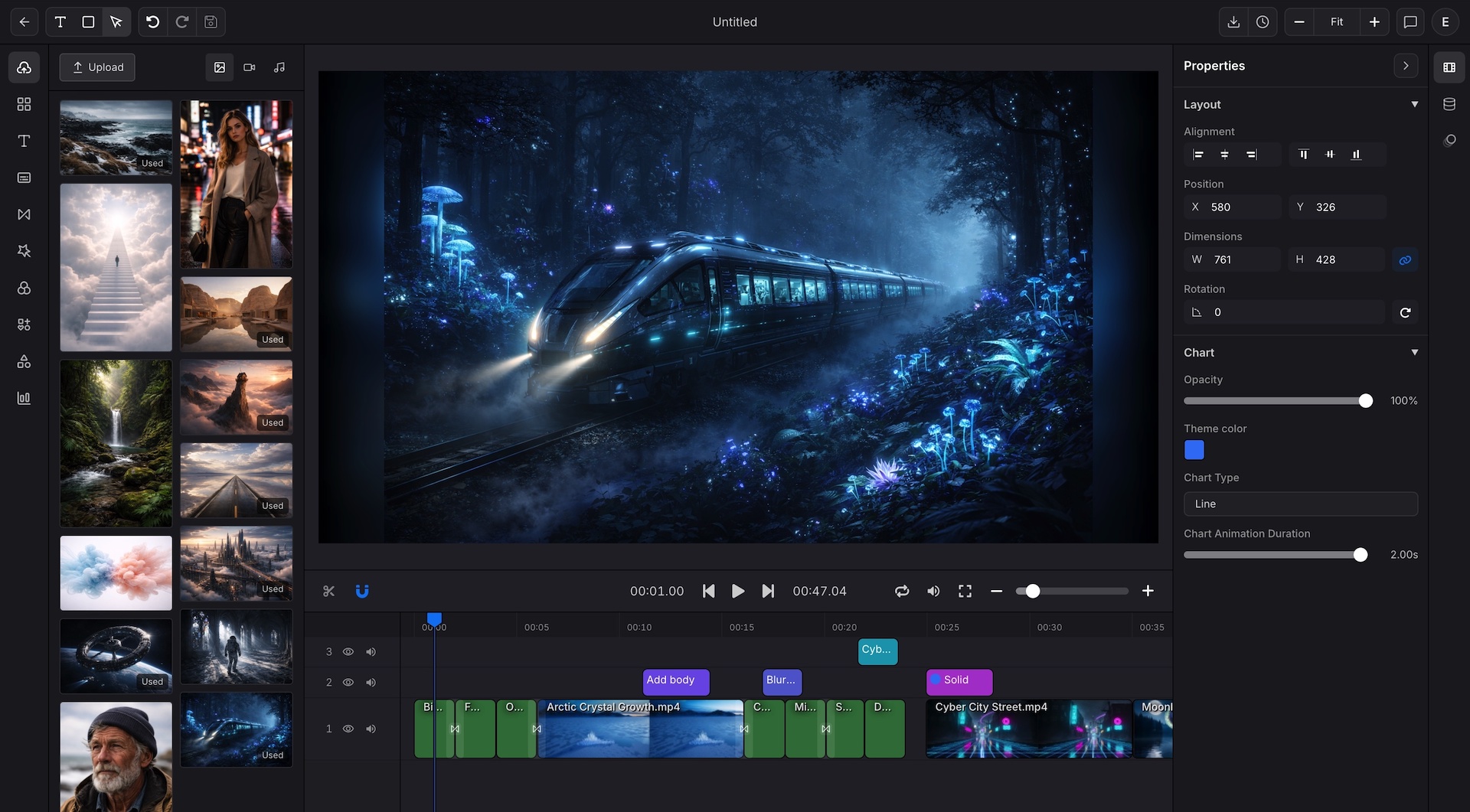
Image to SVG path
When work starts from an existing bitmap, the AI SVG Generator image to SVG path keeps conversion close to the same vector asset process.
Turn PNG or JPG artwork into editable vector output
Use converted output beside text generated SVG assets
Keep consistent vector output across both starting points
Move from conversion to animation without switching tools

Editor integration
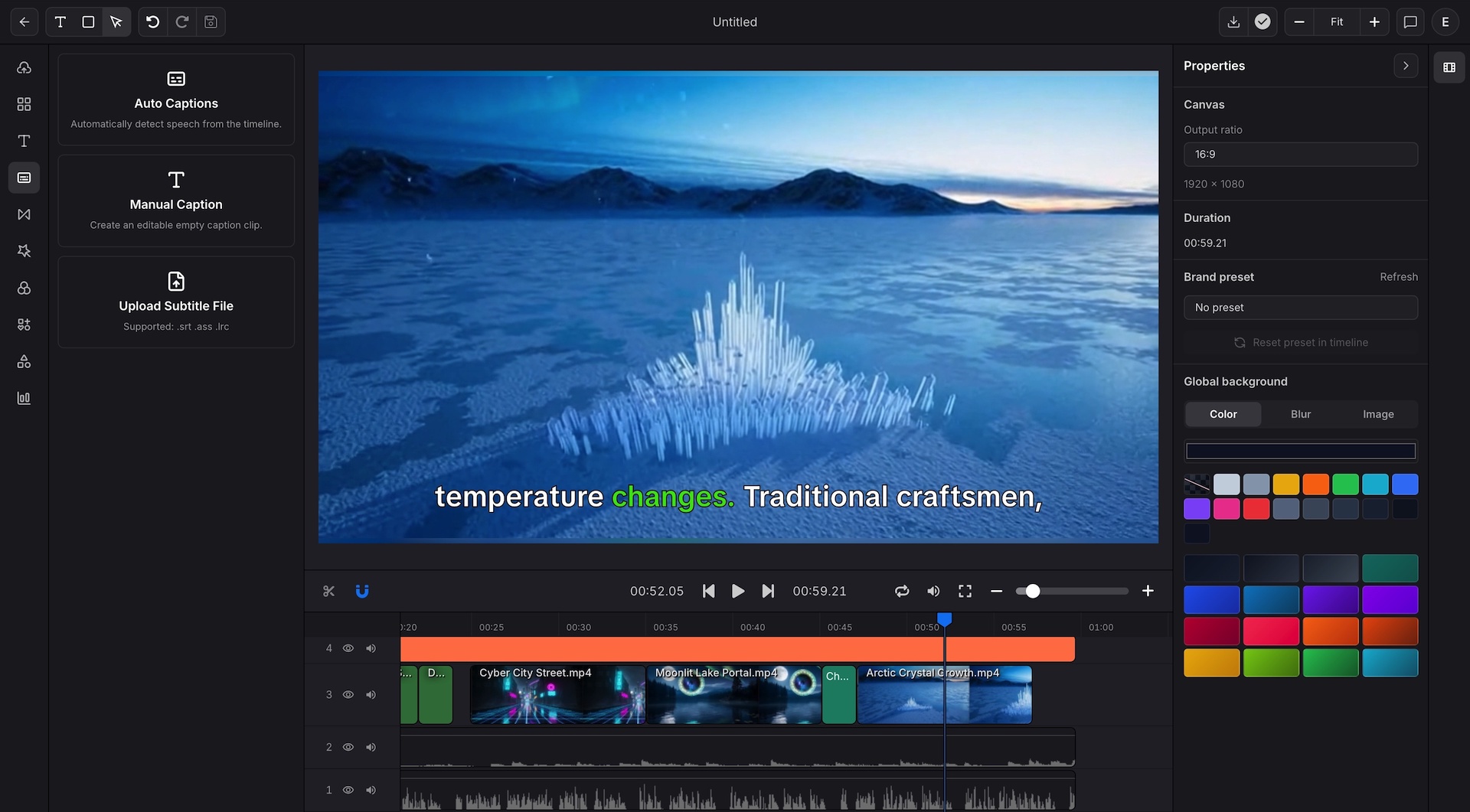
AI SVG Generator assets can move straight into the editor for animation, captions, export, and repeatable visual formats without rebuilding the design.
Drag SVG assets into the timeline and apply keyframe motion in one pass
Add captions, TTS voice, and chart scenes alongside the SVG animation
Export MP4 or WebM at up to 4K with custom canvas sizes
Use brand presets when the same SVG motion format needs future versions
The same AI SVG Generator supports design exploration, production graphics, and content publishing for different teams.
Use the AI SVG Generator to create icons and illustrations, then use SVG code directly in web products and component systems.
Create first pass logo and illustration directions with the AI SVG Generator, then refine path level details in standard vector design tools.
Test multiple brand graphic directions quickly and turn approved SVG assets into product videos, pitch visuals, or social clips.
Turn SVG assets into animated social clips with captions and voice without moving across disconnected tools.
Build reusable visual packs for shorts, explainers, and recurring publishing formats with faster iteration cycles.
Combine SVG graphics with chart scenes and export polished product updates, demos, and reporting videos.
These proof points summarize why the AI SVG Generator is useful for practical production tasks.
The AI SVG Generator is built around native SVG path output, not raster first wrappers.
Teams can select speed, detail, or prompt complexity handling inside one environment.
Text to SVG and image to SVG live in the same vector production surface.
SVG assets can move into timeline editing, motion, captions, and export without tool switching.
Use clear style and use case details to get stronger SVG output on your first rounds.
Minimal coffee cup icon, black stroke, white background, app UI ready
Modern SaaS logo, letter A, blue gradient, geometric clean vector style
Flat fintech dashboard illustration, pastel palette, transparent background
Hand drawn botanical SVG set, warm tone, social cover visual style
Monoline travel icon pack, 24px grid, consistent stroke width
Cyber style abstract shape collection, neon palette, dark theme UI
Clean onboarding empty state illustration, friendly business style
Isometric cloud server graphic, simple depth, website hero friendly
Start with text to SVG or image to SVG in the AI SVG Generator, choose the model that fits the job, and move from vector creation to animation in one place.
Convert existing bitmap images to editable vector output in the dedicated image to SVG tool.
See timeline tools for SVG animation, captions, audio, and export controls.
Explore related image generation when your visual pipeline starts from bitmap first assets.