
The video is hard to refine
Many tools convert the source once, then offer little control when the script, visuals, or pacing still need real editing.
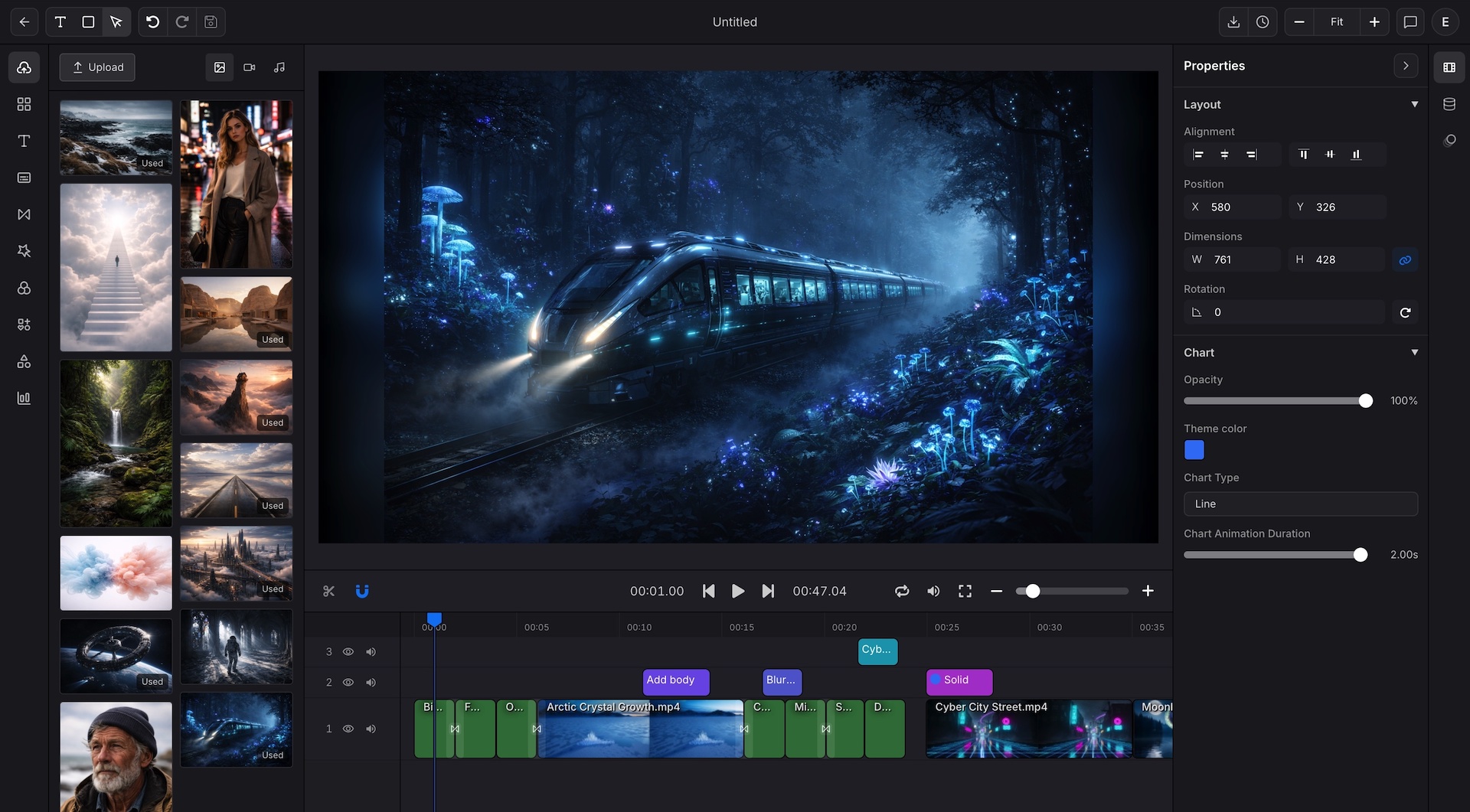
Use Article to Video to turn a link, text brief, or PDF into a clearer video, then refine scenes, captions, charts, voice, and export settings in the editor.

Teams search for Article to Video because they want faster repurposing and better reach. The problem is that many converters create a basic slide-style video and leave the detailed editing elsewhere.
Many tools convert the source once, then offer little control when the script, visuals, or pacing still need real editing.
A quick article conversion often becomes a longer production round because captions, narration, branding, and export settings move into separate products.
Generic footage can make the result feel disconnected from the original point, which forces manual cleanup later.
An article video still needs readable subtitle styling and stronger narration if the final delivery is meant for customers, readers, or students.
Research, explainers, and blog posts often include numbers that need charts, but many converters keep them as plain text or screenshots.
Once one format works, the next problem is how to turn it into a repeatable template for more articles and more channels.
Article to Video starts from an article URL, pasted text, or PDF, converts the source into a video project, and keeps scenes, captions, visuals, charts, voice, and export settings editable.
Best for
Content marketers turning blog posts, launch articles, and explainers into video
Independent writers and creators repurposing articles for short form and channel growth
Education teams converting lessons, guides, and knowledge content into watchable recaps
Developers and product teams preparing repeatable article based video formats for production
Start Article to Video with source content, refine the converted video in the editor, and export a finished version for the destination.
Open Article to Video, then start from an article URL, pasted text, or PDF so Indream can extract the source structure for video creation.
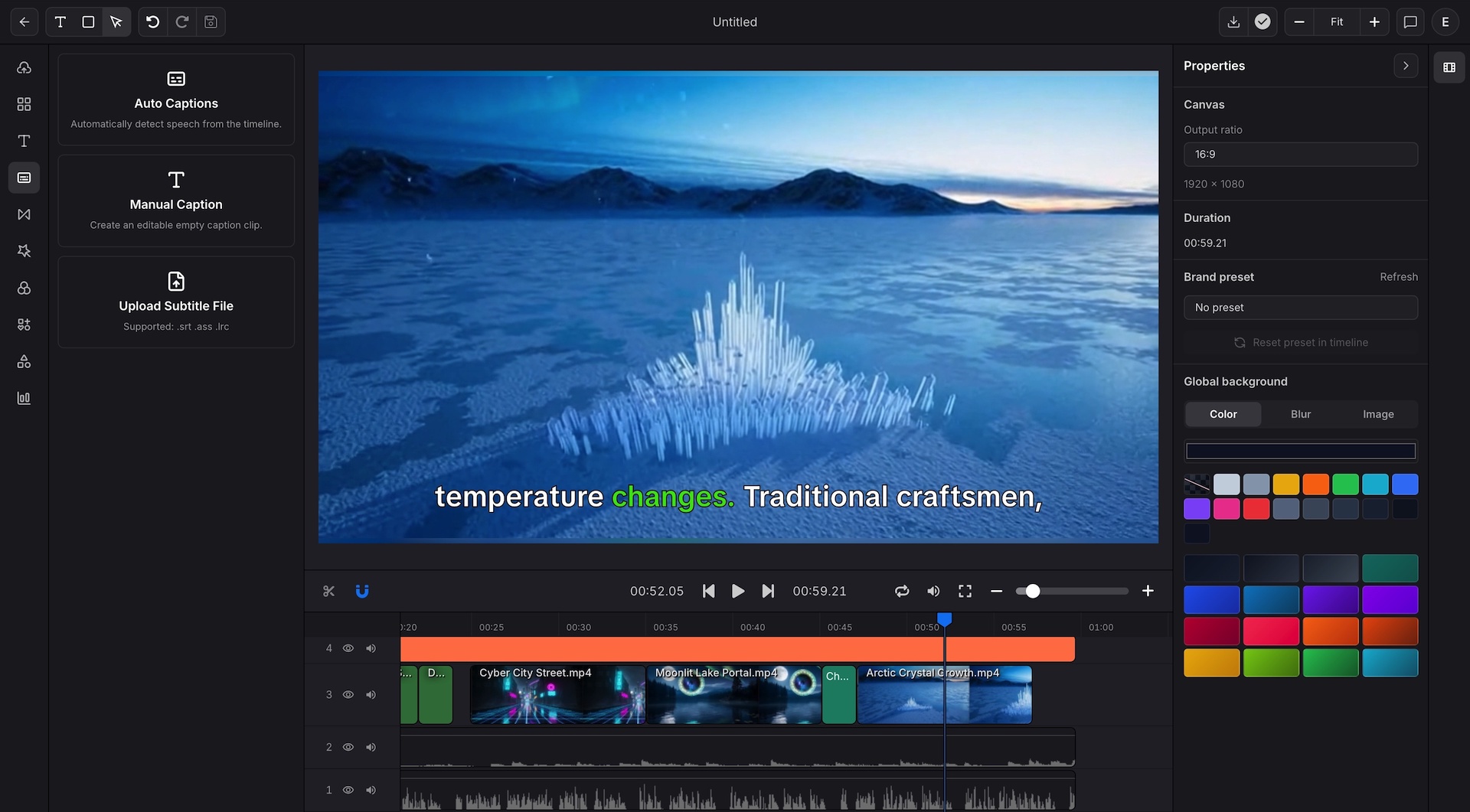
Use the editor to rewrite scenes, style captions, add TTS, rebuild charts, change visuals, and reuse brand presets after Article to Video creates the video.
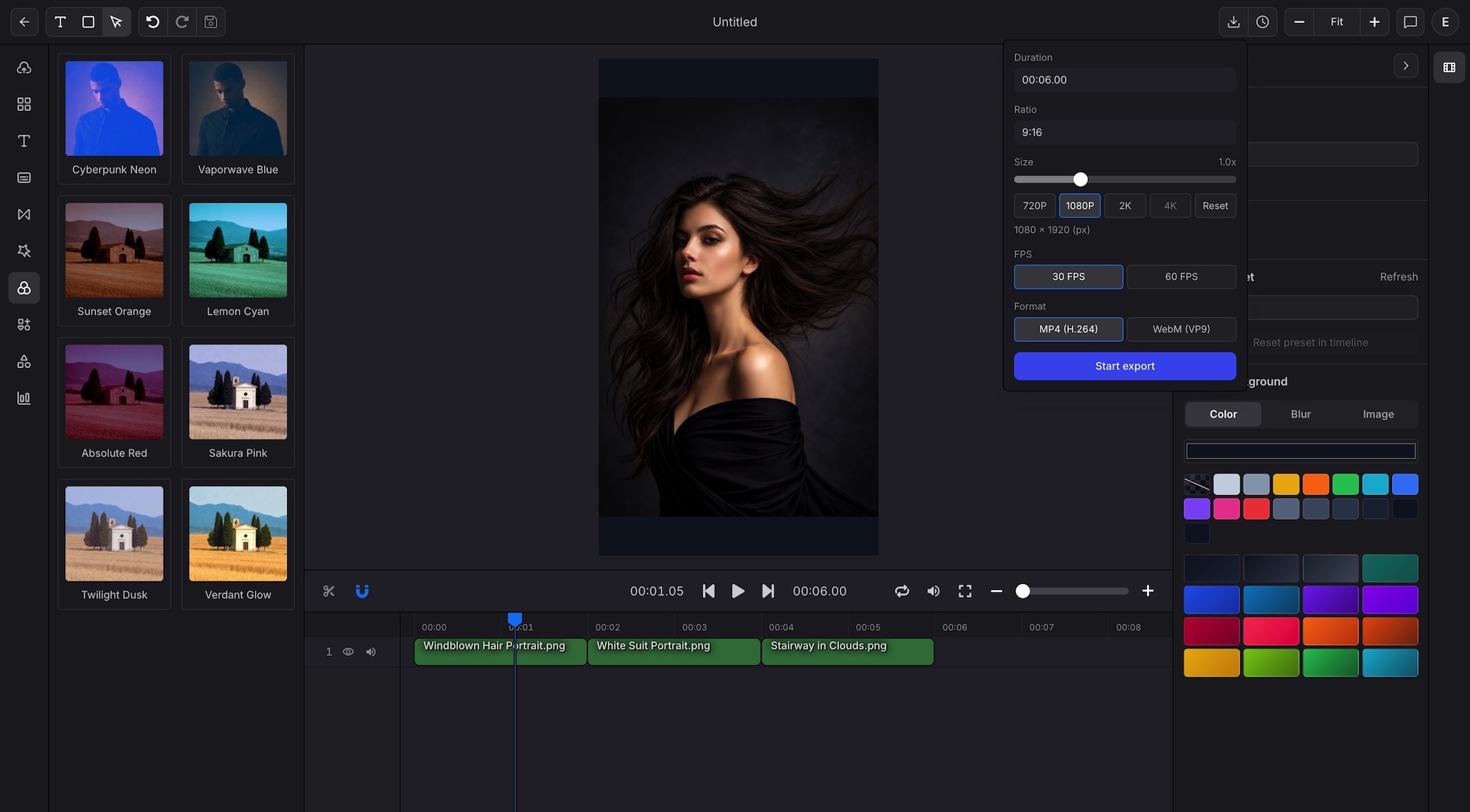
Finish the article video with the format, size, captions, and resolution that match the destination, from social clips to product education.
Article to Video turns the source into a video project. The editor keeps script, pacing, charts, captions, narration, and export settings open for precise second-pass editing.
Source to video
Start Article to Video from an article link, text, or PDF so Indream can build editable scenes around the source structure.
Use article URL input when the content already lives on the web
Parse the article structure into organized sections for video creation
Support text and PDF input when the article is not a public URL
Keep scene-level control available before the final export
Editor refinement
The Article to Video result stays fully editable so the project can move from conversion to finished output in one workspace.
Trim scenes, arrange layers, and shape pacing on a multi-track timeline
Add captions, subtitle files, or TTS narration close to the edit
Rebuild data sections as animated chart scenes instead of leaving them static
Export up to 4K with custom sizes for social, landing pages, email, or internal updates
The same Article to Video setup can support content repurposing, educational explainers, and recurring publishing formats.
Use Article to Video to turn blog posts, launch articles, and product explainers into repeatable video formats faster.
Repurpose article videos into short form explainers, social recaps, and channel support content.
Convert lesson articles, study guides, and text heavy explainers into watchable teaching support video.
Use Article to Video to turn reporting articles and insight summaries into chart driven video that is easier to absorb and share.
Convert product pages, how to articles, and customer story content into branded video for campaigns and product education.
Use the editor as the template source for article recaps, product updates, and recurring knowledge videos.
These are the core Article to Video source, editing, and export capabilities supported in Indream.
Start Article to Video from a link, pasted text, or PDF source content.
Render high resolution output and WebM when transparent overlay delivery is needed.
Set exact pixel dimensions instead of staying inside only common preset video sizes.
Reuse approved scene order, captions, charts, and brand details for future articles.
These are the questions teams ask most often when they want article-based video to become part of a broader publishing process.
Start Article to Video in Indream when the source is already written. Turn the article into a video, then refine captions, charts, voice, and export settings in the editor.
Turn document files into editable videos and exports.
See the browser editor for captions, charts, motion, and export control.
See how approved editor formats move into structured and repeatable rendering.