
The PDF is still hard to finish
Many tools keep each page too literal, so the output still feels like a deck instead of a video people want to watch.
Use PDF to Video to turn a document into a video, then refine scenes, captions, charts, voice, branding, and export settings in the editor.

Teams search for PDF to Video because they want attention, retention, and easier sharing. The problem is that many converters stop at a basic slide-style video and leave detailed editing somewhere else.
Many tools keep each page too literal, so the output still feels like a deck instead of a video people want to watch.
A quick conversion often becomes a longer production round because scenes, captions, narration, and export settings all move into separate products.
A converted document video still needs voice, subtitle, and timing control when the final delivery is meant for customers, teammates, or students.
Logo placement, opening scenes, colors, and closers get reapplied by hand when the project is not connected to reusable brand presets.
Research and reporting PDFs usually need charts that move, but many converters only preserve charts as screenshots.
A useful converter needs vertical, landscape, square, custom pixel sizes, and output options that fit more than one publishing surface.
PDF to Video converts a PDF into a video project and keeps the output editable. You can keep shaping scenes, captions, visuals, charts, voice, and brand details instead of accepting a fixed page screenshot export.
Best for
Marketing teams turning whitepapers, launch decks, and case studies into video
Training and HR teams converting policy updates or manuals into watchable explainers
Educators building lecture recaps and lesson support from class PDFs
Sales and analyst teams turning product specs or research reports into clearer video stories
Start PDF to Video with your document, refine the converted video in the editor, and export a finished version for the channel.
Open PDF to Video, then upload a report, proposal, lesson deck, manual, whitepaper, or research PDF so Indream can parse the document structure.
Use the editor to adjust scenes, rewrite copy, style captions, add TTS, rebuild charts, and reuse brand presets after PDF to Video creates the video.
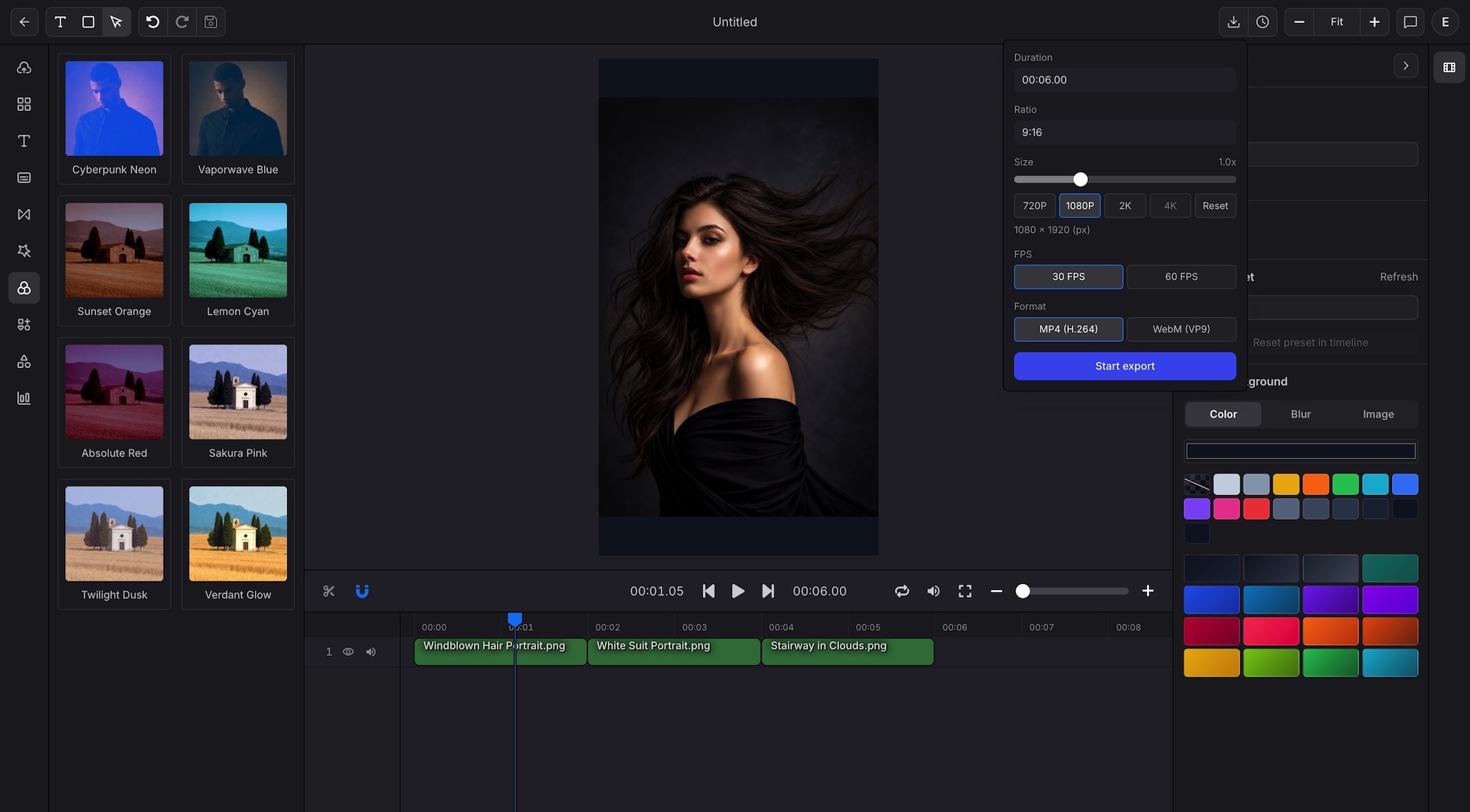
Finish the project with the format, size, and resolution that match the channel, including custom pixel outputs and broader export options.
PDF to Video turns the document into a video project. The editor keeps story, pacing, data scenes, narration, and export settings open for precise second-pass editing.
Document to video
Start PDF to Video from the actual document content so Indream can build editable scenes instead of a locked page slideshow.
Upload a PDF directly from the create page
Use document text and structure instead of relying on page screenshots alone
Build video scenes from the document sections and key points
Keep scene-level control available before the final export
Editor refinement
The PDF to Video result stays fully editable so the project can move from conversion to finished output in one workspace.
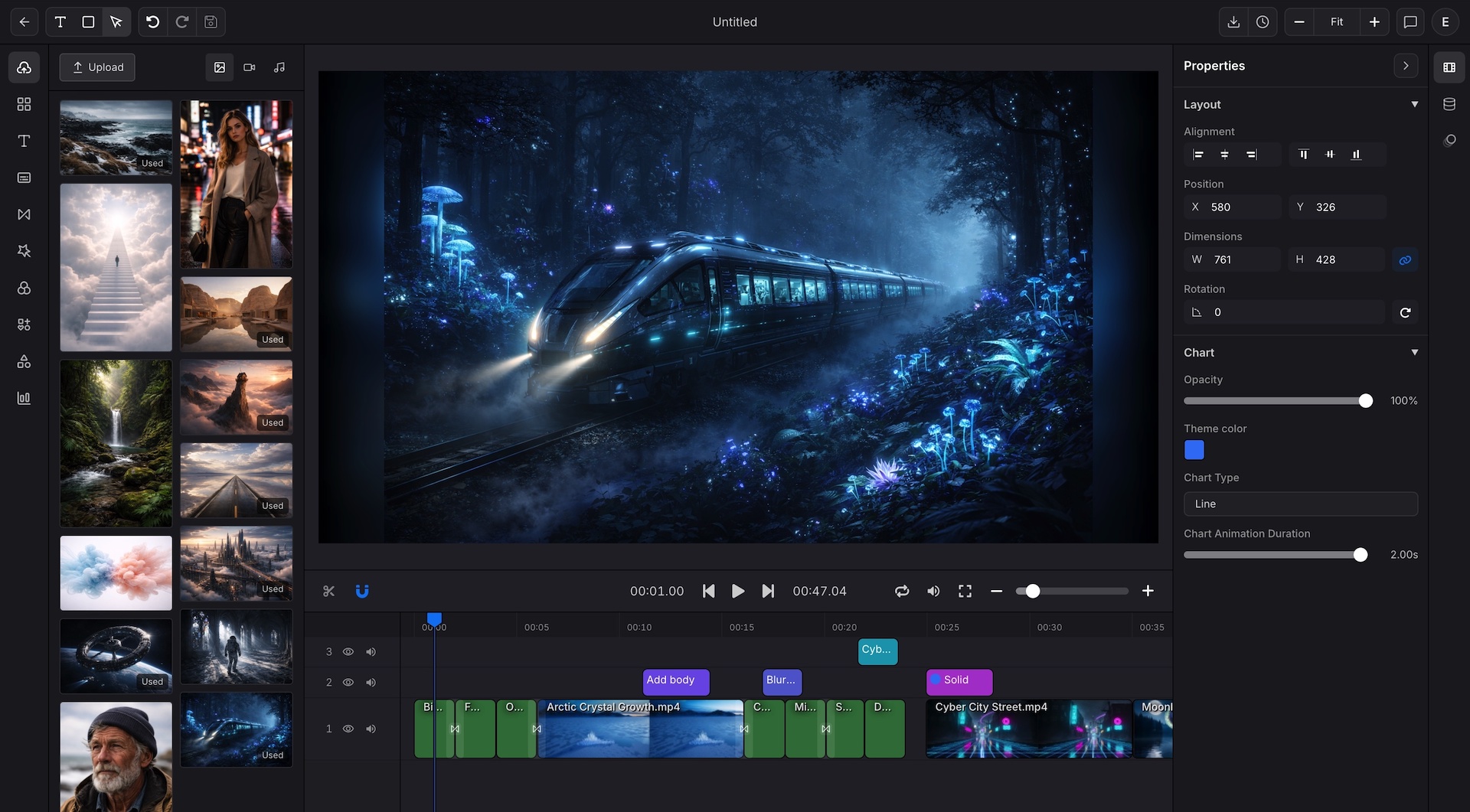
Reorder, trim, and layer scenes on a multi-track timeline with keyframe motion
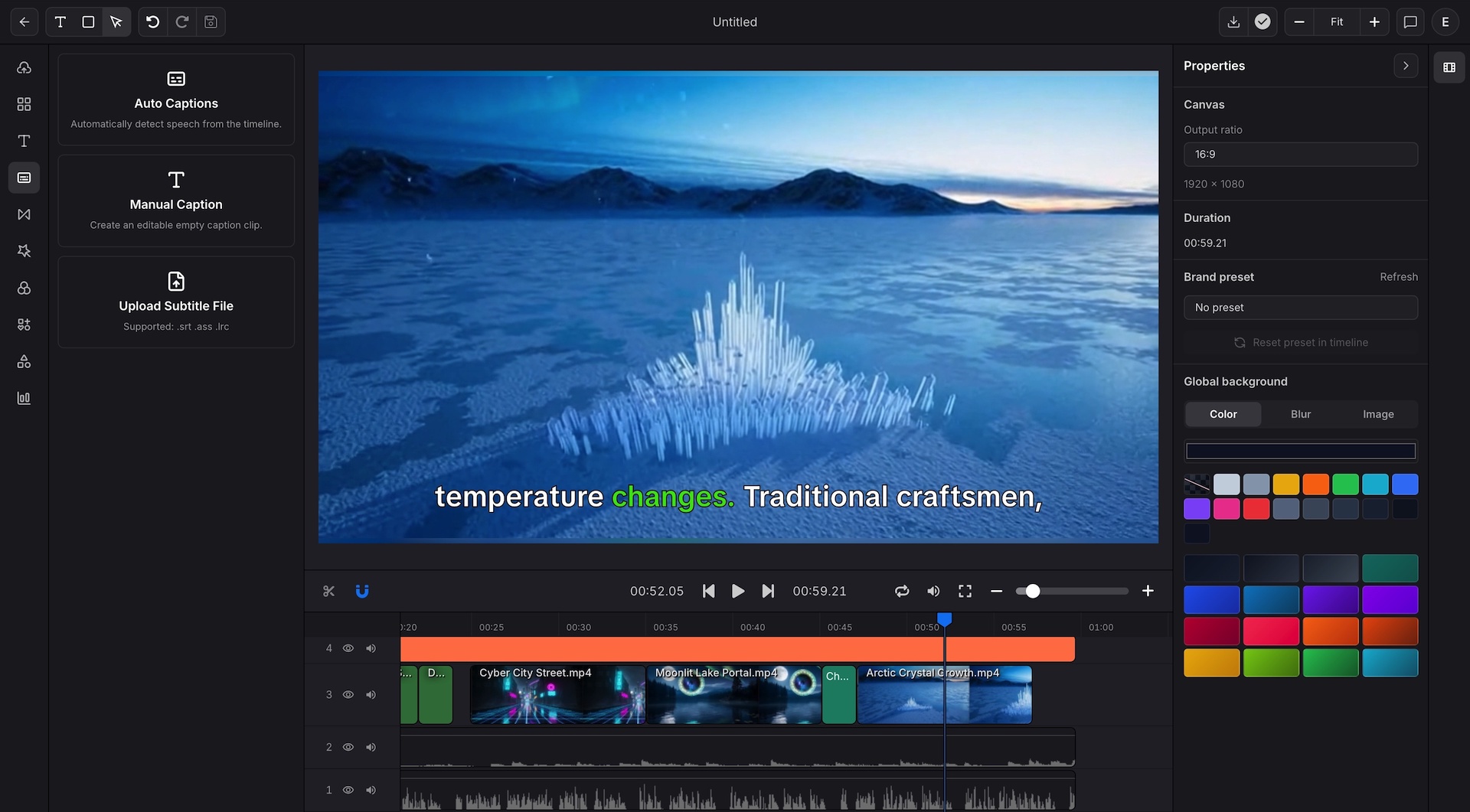
Add captions, subtitle files, or TTS narration close to the edit
Rebuild static report visuals as animated chart scenes
Export up to 4K with brand presets and custom sizes for social, landing pages, training, or client review
PDF to Video serves teams that need a document to become something easier to watch, share, review, and scale.
Use PDF to Video to turn whitepapers, case studies, and launch decks into video explainers for landing pages, email, and social distribution.
Use PDF to Video to convert policy updates, onboarding guides, and internal manuals into walkthroughs that are easier for employees to finish.
Use PDF to Video for lecture notes, lesson summaries, and study materials that need captions, voice, and clearer pacing.
Package product specs, solution briefs, and proposal documents into demos that are easier for prospects to review.
Turn research documents and KPI reports into video stories that can rebuild charts as motion instead of static slides.
Use the document video as the visual template source, then move stable project structures into repeatable rendering later.
These are the core PDF to Video document, editing, and export capabilities supported in Indream.
Upload a PDF directly and let PDF to Video parse the document into editable video scenes.
Export in high resolution or WebM when the final delivery needs transparent overlay support or broadcast-quality output.
Go beyond standard ratios and set any custom pixel dimension that matches your channel or platform requirements.
Reuse approved scene order, captions, charts, and brand details for future documents.
Upload a PDF in PDF to Video, refine the converted video, and prepare a branded export for the channel where it needs to land.
See the editor for captions, timeline control, chart scenes, and export refinement.
Focus on chart motion and overlay exports when the report story depends on animated data visuals.
Learn how approved templates can move into structured and repeatable rendering.