
Start from a hook, not a blank project
Pick a Data to Video structure for rankings, comparisons, or stat reveals so you spend time on the story, not layout cleanup.
Use Data to Video to start from rankings, trends, or fact lists, then package the hook, chart motion, caption-led pacing, and supporting visuals into a vertical video for TikTok, Reels, or Shorts.
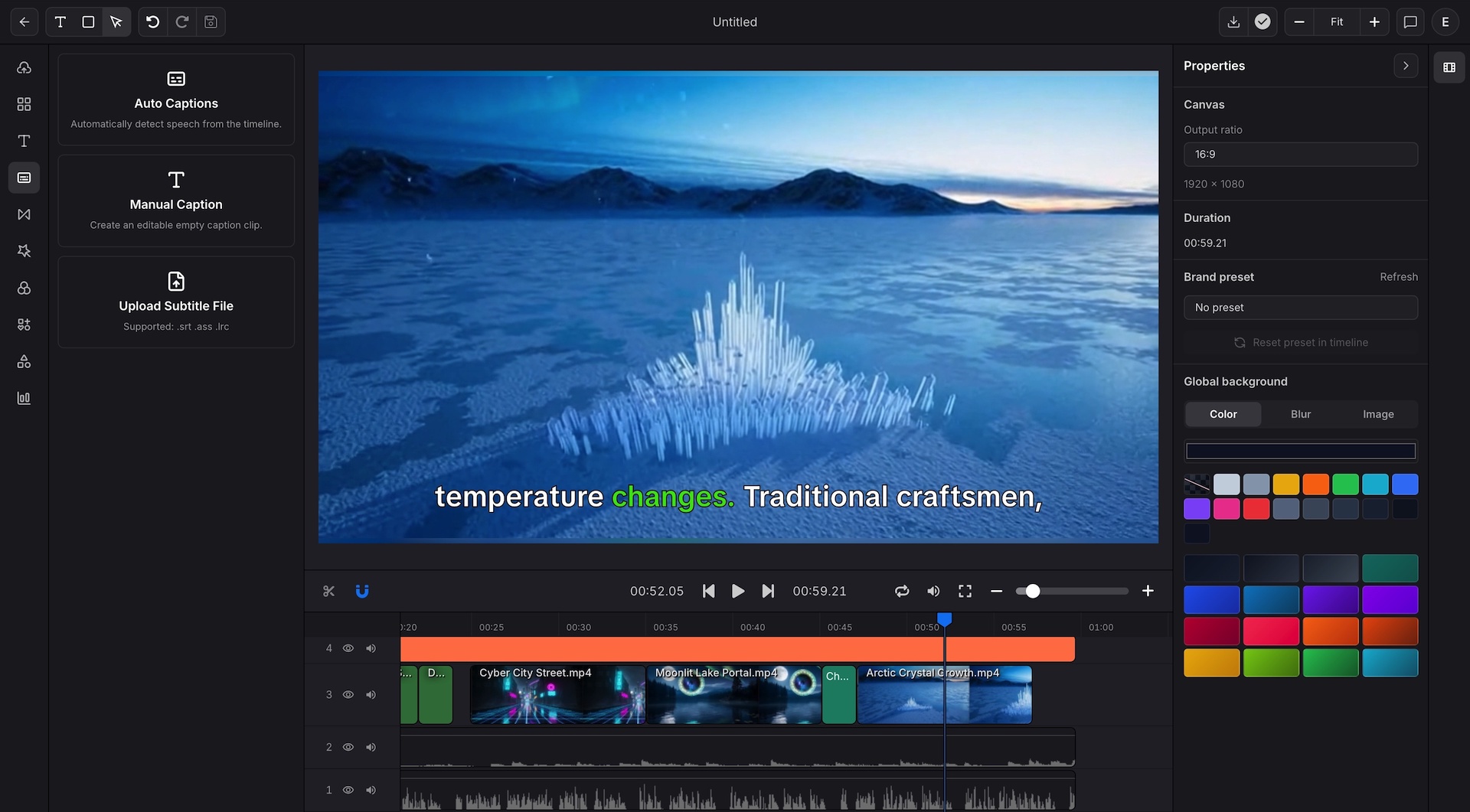
Data to Video for creators starts with a hook, ranking, or trend and turns it into a short narrative. You replace the numbers and supporting visuals. The motion system does the rest.
Best for
Creators publishing stat based shorts several times per week
Teams turning research or social data into repeatable formats
Channels built around rankings, comparisons, trivia, or market movement
Editors who want short form speed without rebuilding the same format every time
Pick a Data to Video structure for rankings, comparisons, or stat reveals so you spend time on the story, not layout cleanup.
Data to Video chart templates turn a fact list or stat comparison into something viewers can follow in seconds.
Captions, supporting vectors, and export presets help creators move from raw note to published clip faster.
Open Data to Video, then bring in a ranking, trend, stat list, or small table that can become a short-form hook.
Choose the chart format, add headline text, supporting vectors, and caption timing so the numbers read quickly in a vertical feed.
Render the stat video for TikTok, Reels, Shorts, square feeds, or a sponsor-specific size without rebuilding the same format.
Build Data to Video top five, top ten, and side by side comparison formats from one reusable short form structure.
Use Data to Video to turn changes in search, sentiment, price, or usage into fast visual explainers with chart movement and captions.
Convert standings, player comparisons, or release trends into short clips that feel native to feed behavior.
Use statistic driven intros, evidence slides, and closing takeaway scenes for educational or opinion formats.
A useful Data to Video choice for rankings, league tables, category races, and fast side by side comparisons.
A useful Data to Video choice for trends over time, growth arcs, market shifts, and before versus after movement.
Good for distribution, share of voice, contribution mix, and volume based story framing.
Data to Video gets the viewer interested. Supporting art keeps the post from looking like a raw spreadsheet on screen.
Use the hand drawn library to support hooks, labels, callouts, transitions, and recap scenes.
Build for 9:16, then spin alternate outputs for square or landscape when a post needs more than one cut.
Use subtitle styling and kinetic text so the idea still lands when viewers scroll with audio off.
Vertical output presets for TikTok, Reels, and Shorts.
Data to Video chart animation formats that can be reused with new values every day.
Captions and subtitle styling for sound off viewing behavior.
Custom pixel dimensions when a platform or sponsor needs a specific cut.
WebM alpha export when chart graphics need to layer into another edit.
Square and landscape cutdowns when the same series needs more than one channel output.
Start Data to Video with a ranking, trend, or comparison, then move the Data to Video draft through a repeatable short form structure instead of rebuilding every clip.
Turn KPI tables and dashboards into reusable stakeholder video updates.
Use structured product and CRM data for campaign, lifecycle, or agency output.
Use the JSON page when a repeatable format needs a tighter connection between creative setup and production rendering.