
01
Connect your marketing data
Open Data to Video, then upload a CSV, connect a sheet, or bring in a structured table for product feeds, CRM exports, or campaign reports.
Use Data to Video with your product catalog, campaign data, or customer list. Map each row to product shots, prices, offers, localized copy, brand rules, and CTA blocks at batch scale.
Data to Video gives campaign teams one repeatable video system for products, lifecycle messaging, performance recaps, and localized creative. The input changes by row. The brand rules stay fixed.
Best for
Product marketers shipping high SKU video libraries
Growth teams sending personalized campaign recaps
Agencies localizing the same ad concept across regions
Lifecycle teams turning CRM fields into customer specific video
Data to Video turns campaign data into a repeatable video system, so scale comes from the template and each row supplies the details.
Your design team cannot make 500 product videos by Friday.
Map product names, prices, images, specs, and CTA text to one Data to Video template, then render one video per row.
Manually editing each version for different markets takes forever.
Use rows for localized copy, currency, offer rules, images, and voiceover text while the campaign structure stays fixed.
Your campaign videos drift off brand once production volume climbs.
Lock fonts, colors, logos, CTA blocks, and export settings into the Data to Video template before batch rendering starts.
Open Data to Video, then upload a CSV, connect a sheet, or bring in a structured table for product feeds, CRM exports, or campaign reports.
Bind Data to Video fields such as names, prices, region copy, images, chart values, colors, and voiceover text to reusable template slots.
Trigger the Data to Video batch, get one export per row, then route files into review, paid media, or client delivery.
Use Data to Video to turn one product sheet into a video for every SKU, with title, price, specs, imagery, and CTA filled in automatically.
Use Data to Video to send each client a branded video recap of campaign KPIs instead of a static deck that nobody watches all the way through.
Keep the same Data to Video campaign structure, then swap copy, imagery, currency, and color accents by market from one sheet.
Render 1 or 10,000 Data to Video exports from the same template without rebuilding the timeline.
Set logo, intro, and outro presets once so every export stays consistent.
Lock fonts, colors, and brand assets into the template before batch rendering starts.
Keep Data to Video review, approval, and delivery steps organized around the same reusable campaign template.
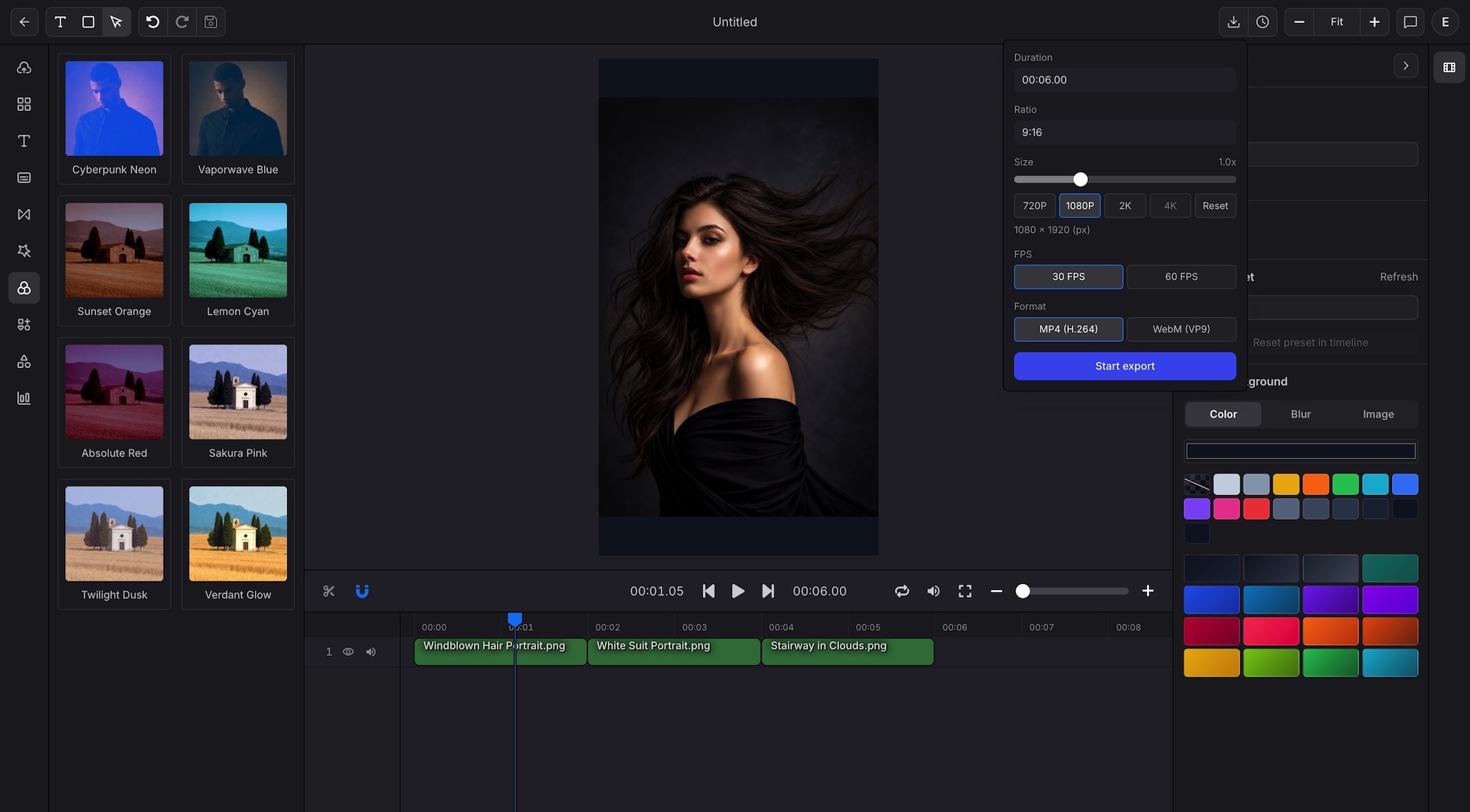
Export 720P, 1080P, 2K, or 4K in any aspect ratio and any pixel dimension.
Add captions and subtitle motion to every export so social and paid placements are ready sooner.
Move product, CRM, and campaign data into repeatable Data to Video production, then scale output without sending every request back to design.
Use structured projects, SDKs, validation, and webhooks for production export flows.
Convert KPI tables and dashboard snapshots into chart driven video updates.
Package rankings, trends, and data hooks into vertical video built for feeds.