
01
Bring in the numbers
Open Data to Video, then start from a spreadsheet export, KPI table, dashboard snapshot, or structured chart data from your reporting stack.
Use Data to Video to pull numbers from your dashboard, shape them into a chart-led KPI recap, add commentary and branding, then export a stakeholder-ready report video.
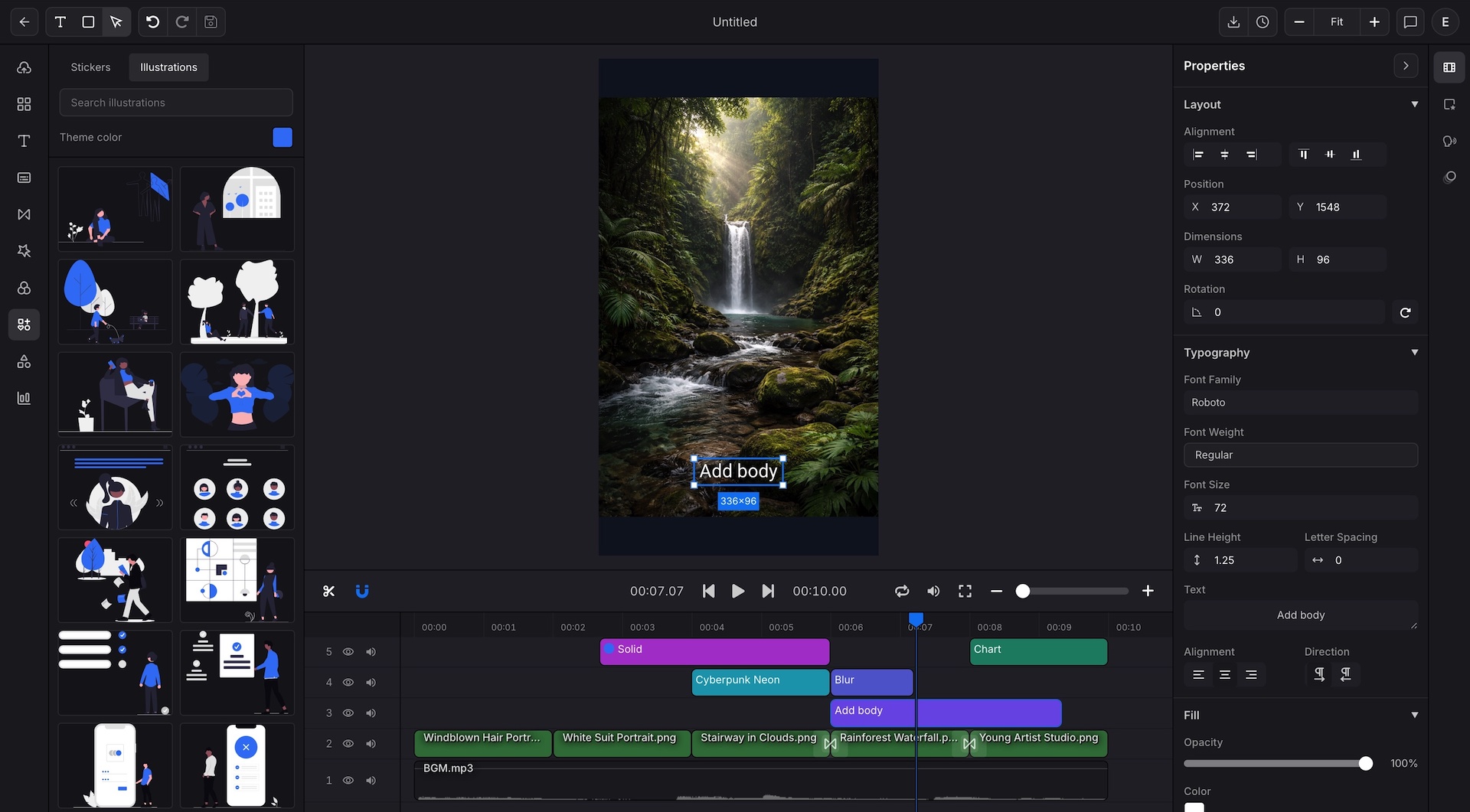
Data to Video for analysts turns raw numbers into a narrative update. The chart moves, the headline changes, and the viewer gets the takeaway without reading a full sheet.
Best for
Marketing and product analysts sending weekly updates
Client teams replacing static recap decks with video summaries
Operations teams sharing KPI changes across distributed groups
Anyone who needs chart storytelling without designing from scratch
Data to Video turns the same reporting work into a watchable update with chart motion, captions, and reusable report structure.
Your dashboard has the numbers, but not a format people finish watching.
Turn the KPI into a chart-led video recap with a clear headline, captions, and the takeaway visible in motion.
Slides explain the trend, but they move too slowly for async updates.
Use Data to Video to package the trend, callouts, and commentary into an MP4 or WebM that stakeholders can watch quickly.
Every report cycle starts from a blank canvas instead of a reusable report format.
Keep the report structure, chart style, captions, and brand details reusable, then swap the data for weekly, monthly, or client updates.
Open Data to Video, then start from a spreadsheet export, KPI table, dashboard snapshot, or structured chart data from your reporting stack.
Choose the Data to Video chart format that fits the update, then add headline copy, callouts, and captions for the key takeaway.
Render Data to Video as MP4 or WebM, publish to internal channels, or send the report video directly to clients and stakeholders.
Each format gives your Data to Video report a different storytelling shape. Pick the structure that matches the question the audience is asking.
Use line charts for trend movement, retention shifts, or month over month metric change.
Use bar charts when teams need quick category comparison across campaigns, channels, or regions.
Use area charts when you want cumulative growth and volume change to read at a glance.
Use pie charts for share based updates, budget mix, or contribution snapshots in short report videos.
Use radar charts when performance needs to be compared across several dimensions in one frame.
Use scatter plots for outlier detection, relationship mapping, or performance clusters that need explanation.
Swap Data to Video chart data and headline text without rebuilding layout every report cycle.
Add captions and scene text so viewers can watch without a live presenter.
Keep chart colors, spacing, and branding consistent across every weekly update.
Export square, landscape, vertical, or custom sizes for client review, social clips, or internal channels.
Use MP4 for standard delivery or WebM when you need a chart overlay in another video edit.
Turn the same Data to Video report structure into weekly, monthly, and client specific updates without rebuilding scenes.
Use Data to Video chart templates, captions, and reusable report structure so your numbers travel further than another screenshot in chat.
Turn catalog rows, CRM data, or localization tables into campaign video.
Repackage rankings, fact lists, and trend data into feed ready vertical clips.
See the developer path for teams that want templated report video inside product or ops systems.